
LangGraph is one of the most popular frameworks to build agents. Watsonx.ai is IBM’s end-to-end AI development studio including various Large Language Models that can be utilized to build and host agents. This post explains how LangGraph agents can access models on watsonx.ai.
I’ve open sourced the code in the ibm-watsonx-ai-langgraph-langchain-a2a repo.
This post is part of a mini-series:
- Accessing watsonx.ai from LangGraph (this post)
- Building A2A Agents with LangGraph and watsonx.ai
- Integrating Agents in watsonx Orchestrate via A2A
The following technologies are demonstrated:
Scenario
The sample agent is a currency agent with a tool to convert currencies. The agent invokes the tool if necessary. If more user input is required (for example the ‘from’ and ‘to’ currency definitions), it asks the user in multi-turn conversations. The agent gets the tool output to calculate the amounts and generates the answers. To keep it simple, the calculation is done by the model, not by a second tool.
The following snippet shows how the agent is invoked (see watsonx_client.py).
1
2
3
4
5
6
7
8
9
10
11
from app.langgraph_agent import CurrencyAgent

async def test_currency_conversion():
    agent: CurrencyAgent = CurrencyAgent()
    query = "How much is 1 USD in EUR?"
    print(f"\nQuery: {query}")
    async for item in agent.stream(query, context_id):
        print(f"\nAgent Response Stream - Status:")
        print(f"  - Task Complete: {item['is_task_complete']}")
        print(f"  - Requires Input: {item['require_user_input']}")
        print(f"  - Content: {item['content']}")
The agent returns a stream with the following information:
1
2
3
4
5
6
7
8
9
10
11
12
13
14
15
16
17
python tests/watsonx_client.py
Query: How much is 1 USD in EUR?
------------------------------------------------------------
Agent Response Stream - Status:
  - Task Complete: False
  - Requires Input: False
  - Content: Looking up the exchange rates...
------------------------------------------------------------
Agent Response Stream - Status:
  - Task Complete: False
  - Requires Input: False
  - Content: Processing the exchange rates...
------------------------------------------------------------
Agent Response Stream - Status:
  - Task Complete: True
  - Requires Input: False
  - Content: 1 USD is equal to 0.9 EUR.
Tool
The tool is defined in tools.py and returns hardcoded exchange rates.
1
2
3
4
5
6
7
8
9
10
11
12
13
14
15
16
17
@tool
def get_exchange_rate(currency_from: str = 'USD', currency_to: str = 'EUR', currency_date: str = 'latest'):
    """Use this tool to get current exchange rate.
    Args:
        currency_from: The currency to convert from (e.g., "USD").
        currency_to: The currency to convert to (e.g., "EUR").
        currency_date: The date for the exchange rate or "latest". Defaults to "latest".
    Returns:
        A dictionary containing the exchange rate data, or an error message if the request fails.
    """
    ...
    return = {
        'rate': rate,
        'from': currency_from,
        'to': currency_to,
        'date': currency_date
    }
Agent
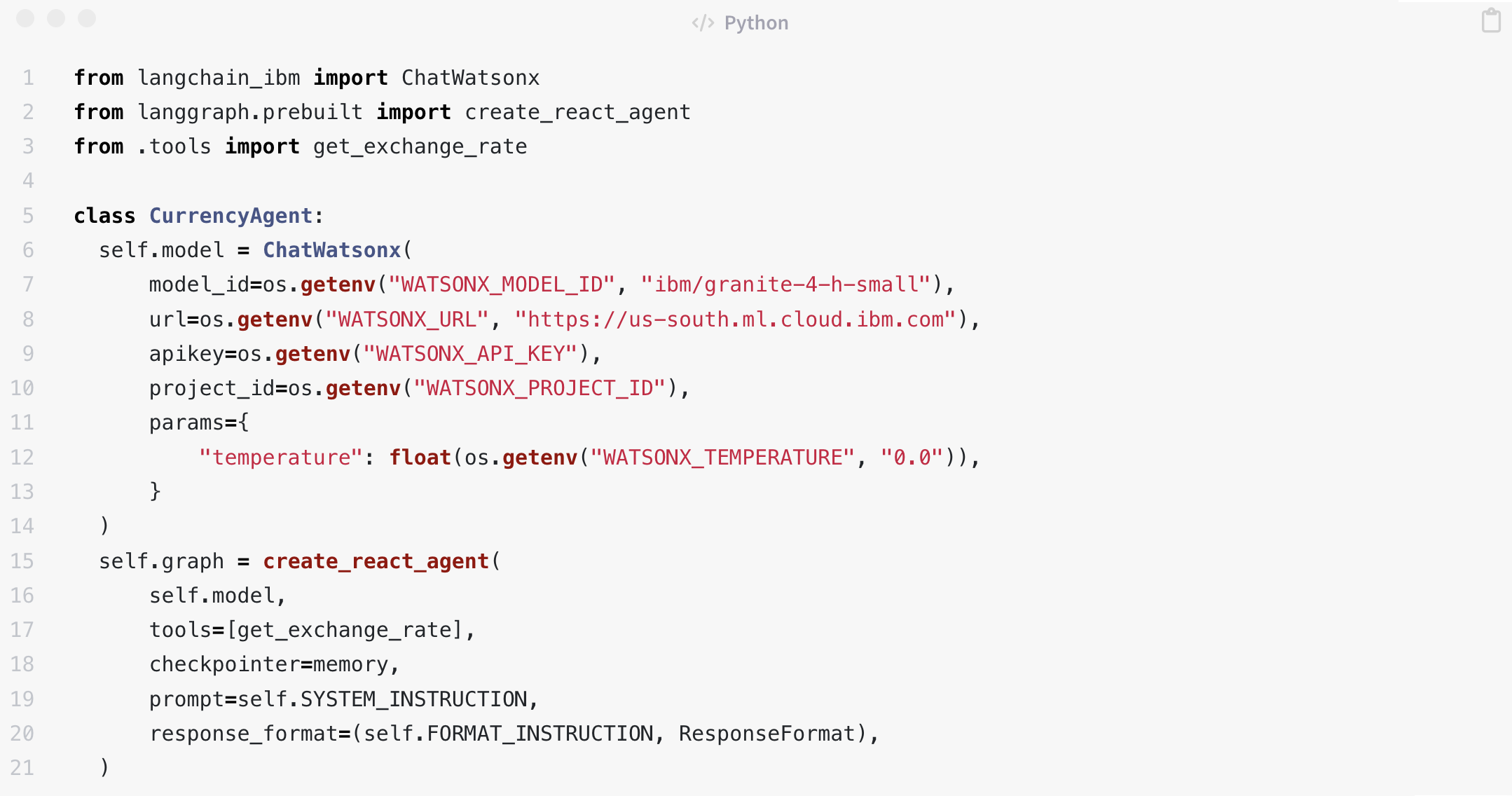
The agent implementation in langgraph_agent.py utilizes ChatWatsonx from the LangChain IBM package to access Granite-4-h-small.
1
2
3
4
5
6
7
8
9
10
11
12
13
14
15
16
17
18
19
20
21
22
23
24
25
26
27
28
29
30
31
32
33
34
class ResponseFormat(BaseModel):
    """Respond to the user in this format."""
    status: Literal['input_required', 'completed', 'error'] = 'input_required'
    message: str

class CurrencyAgent:
    SYSTEM_INSTRUCTION = (
        'You are a specialized assistant for currency conversions. '
        "Your sole purpose is to use the 'get_exchange_rate' tool to answer questions about currency exchange rates. "
        'You must not assume the currencies. Instead ask user for clarification. '
    )
    FORMAT_INSTRUCTION = (
        'Set response status to input_required if the user needs to provide more information to complete the request. '
        'Set response status to error if there is an error while processing the request. '
        'Set response status to completed if the request is complete. '
    )

    def __init__(self):
        self.model = ChatWatsonx(
            model_id=os.getenv("WATSONX_MODEL_ID", "ibm/granite-4-h-small"),
            url=os.getenv("WATSONX_URL"),
            apikey=os.getenv("WATSONX_API_KEY")
            project_id=os.getenv("WATSONX_PROJECT_ID"),
            params={
                "temperature": float(os.getenv("WATSONX_TEMPERATURE", "0.0")),
            }
        )
        self.graph = create_react_agent(
            self.model,
            tools=[get_exchange_rate],
            checkpointer=memory,
            prompt=self.SYSTEM_INSTRUCTION,
            response_format=(self.FORMAT_INSTRUCTION, ResponseFormat),
        )
The model returns structured output with different states - see langgraph_agent.py:
1
2
3
4
5
6
7
8
9
10
11
12
13
14
15
16
17
18
19
20
21
22
23
24
current_state = self.graph.get_state(config)
structured_response = current_state.values.get('structured_response')
if structured_response and isinstance(
    structured_response, ResponseFormat
):
    if structured_response.status == 'input_required':
        return {
            'is_task_complete': False,
            'require_user_input': True,
            'content': structured_response.message,
        }
    if structured_response.status == 'error':
        return {
            'is_task_complete': False,
            'require_user_input': True,
            'content': structured_response.message,
        }
    if structured_response.status == 'completed':
        return {
            'is_task_complete': True,
            'require_user_input': False,
            'content': structured_response.message,
        }
...
Based on the model response the agent returns data to the client. When the tool is invoked, in this example two more status updates are returned in a stream.
1
2
3
4
5
6
7
8
9
10
11
12
13
14
15
16
17
18
async def stream(self, query, context_id) -> AsyncIterable[dict[str, Any]]:
    inputs = {'messages': [('user', query)]}
    config: RunnableConfig = {'configurable': {'thread_id': context_id}}
    async for item in self.graph.astream(inputs, config, stream_mode='values'):
        message = item['messages'][-1]
        if (isinstance(message, AIMessage) and message.tool_calls and len(message.tool_calls) > 0):
            yield {
                'is_task_complete': False,
                'require_user_input': False,
                'content': 'Looking up the exchange rates... ',
            }
        elif isinstance(message, ToolMessage):
            yield {
                'is_task_complete': False,
                'require_user_input': False,
                'content': 'Processing the exchange rates... ',
            }
    yield self.get_agent_response(config)
Next Step
To find out more, check out the following resources: