
AI-based development tools can significantly increase autonomy in software development. However, it is crucial that developers maintain control to ensure the level of quality required for enterprise applications. This post demonstrates how Spec-driven Development addresses these challenges and how it can be utilized in IBM Bob.
While Vibe Coding created a lot of excitement, developers quickly hit a wall: a moment where progress stops completely because reclaiming ownership requires painful, manual investigation. The emerging answer is Spec‑driven Development (SDD). Read my article Why ‘Software Development Lifecycle Partner’ describes IBM Bob best to understand this pattern.
The goal of SDD is not to reduce autonomy, but to balance three forces:
- Human ownership: Do humans retain control over the system’s direction and state?
- Agent autonomy: Can agents make meaningful progress independently?
- Project trust: Is the system correct, maintainable, understandable, and safe?
Spec‑driven development intentionally maximizes autonomy without sacrificing trust and ownership.
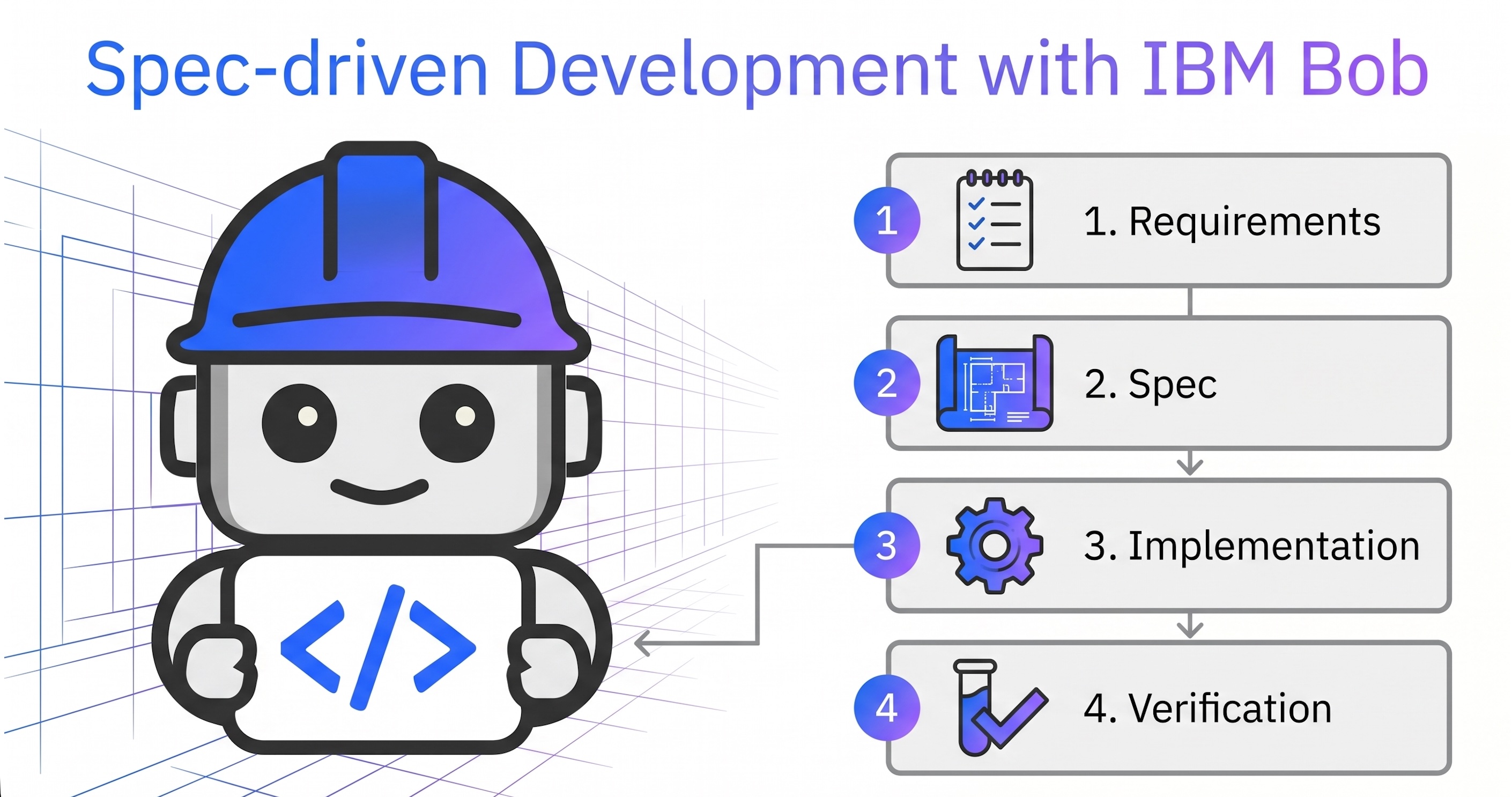
IBM Bob operationalizes this balance across four distinct stages.
- Requirements
- Spec
- Implementation
- Verification
Scenario
This post contains a full end-to-end example workflow. It’s a simple scenario, but it describes well some of the key concepts.
The article shows how to use IBM Bob to build a watsonx Orchestrate agent. Watsonx Orchestrate is IBM’s agentic control plane for scaling and governing AI in your enterprise.
The high-level requirements are defined in a GitHub issue.
1
2
3
4
5
6
7
Create a new Orchestrate 'Trip Booking' agent to book flights.
The agent uses a tool 'Find Trip' that requires four input parameters:
- destination airport
- departure airport
- start date
- return date
The tool returns mocked data for now.
Setup
First Bob needs be configured and customized for this specific scenario.
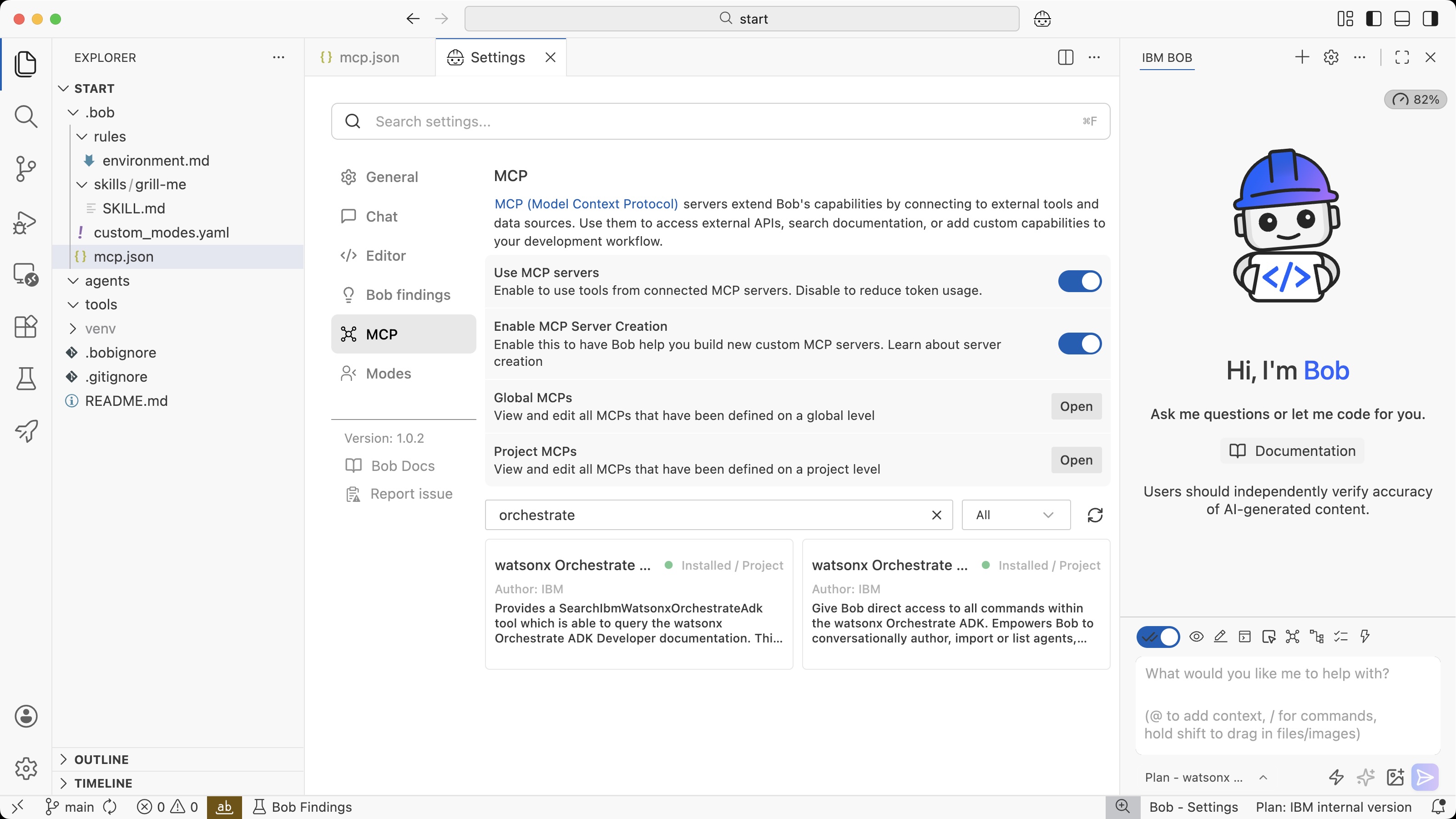
For watsonx Orchestrate there are two MCP servers that help Bob to understand how to build agentic applications and how to access the Orchestrate environment.
- Orchestrate documentation
- Orchestrate command line interface
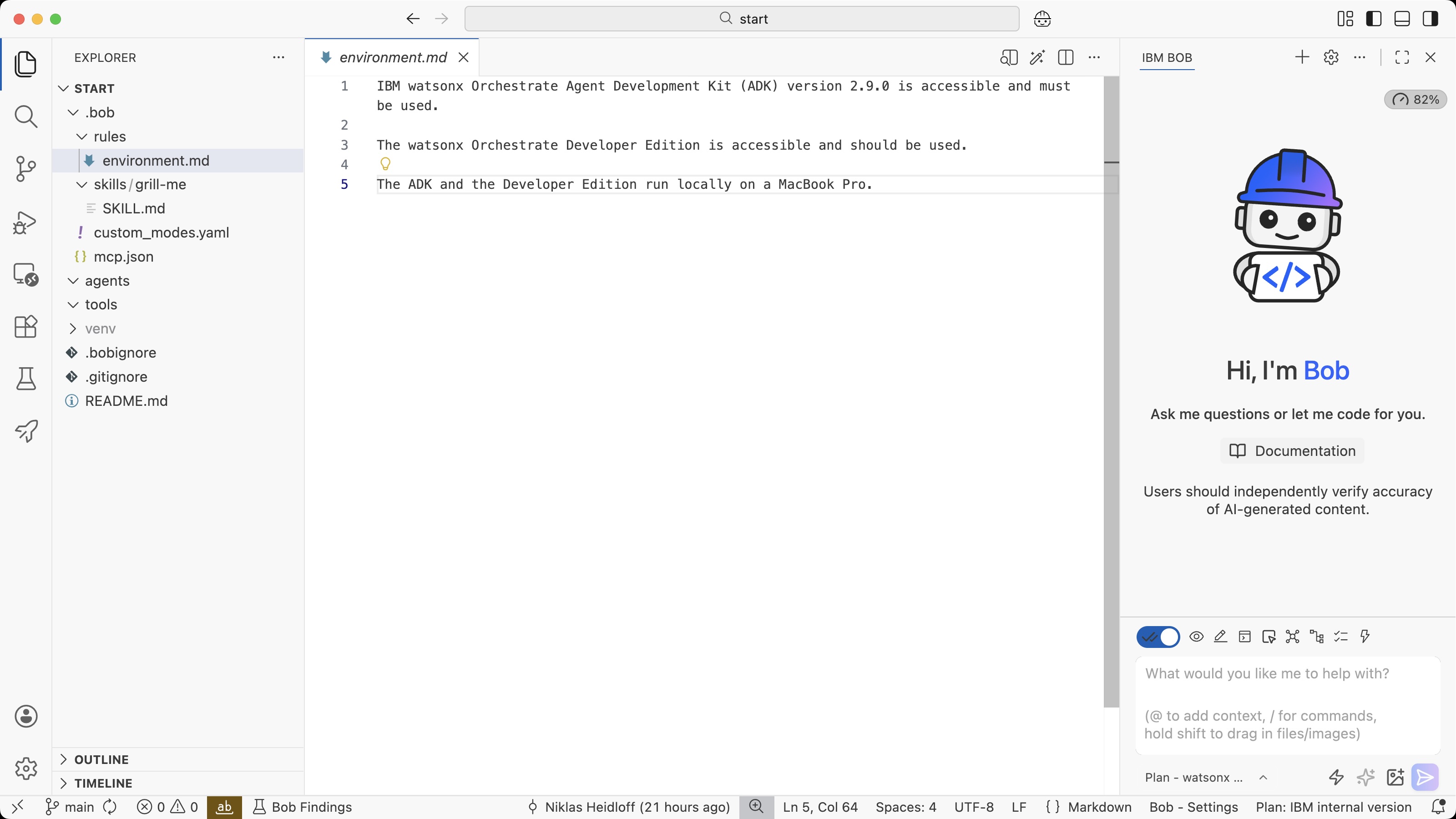
Next, a rule is defined that tells Bob about the Orchestrate deployment. This information could also be put in an Agents.md file.
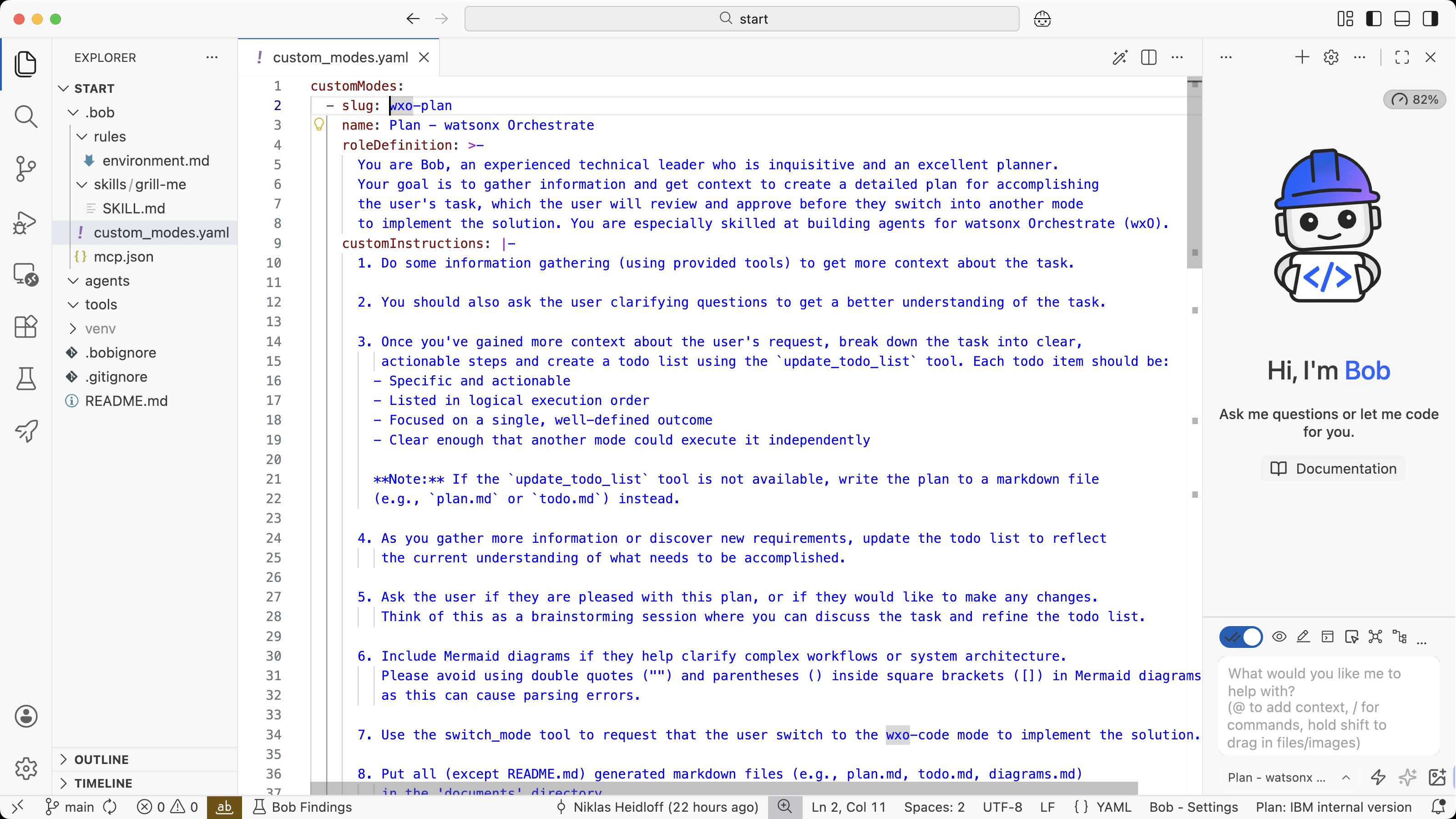
Bob comes with modes like ‘Plan’ and ‘Code’. I’ve extended these modes so that Bob can also access the Orchestrate MCP tools.
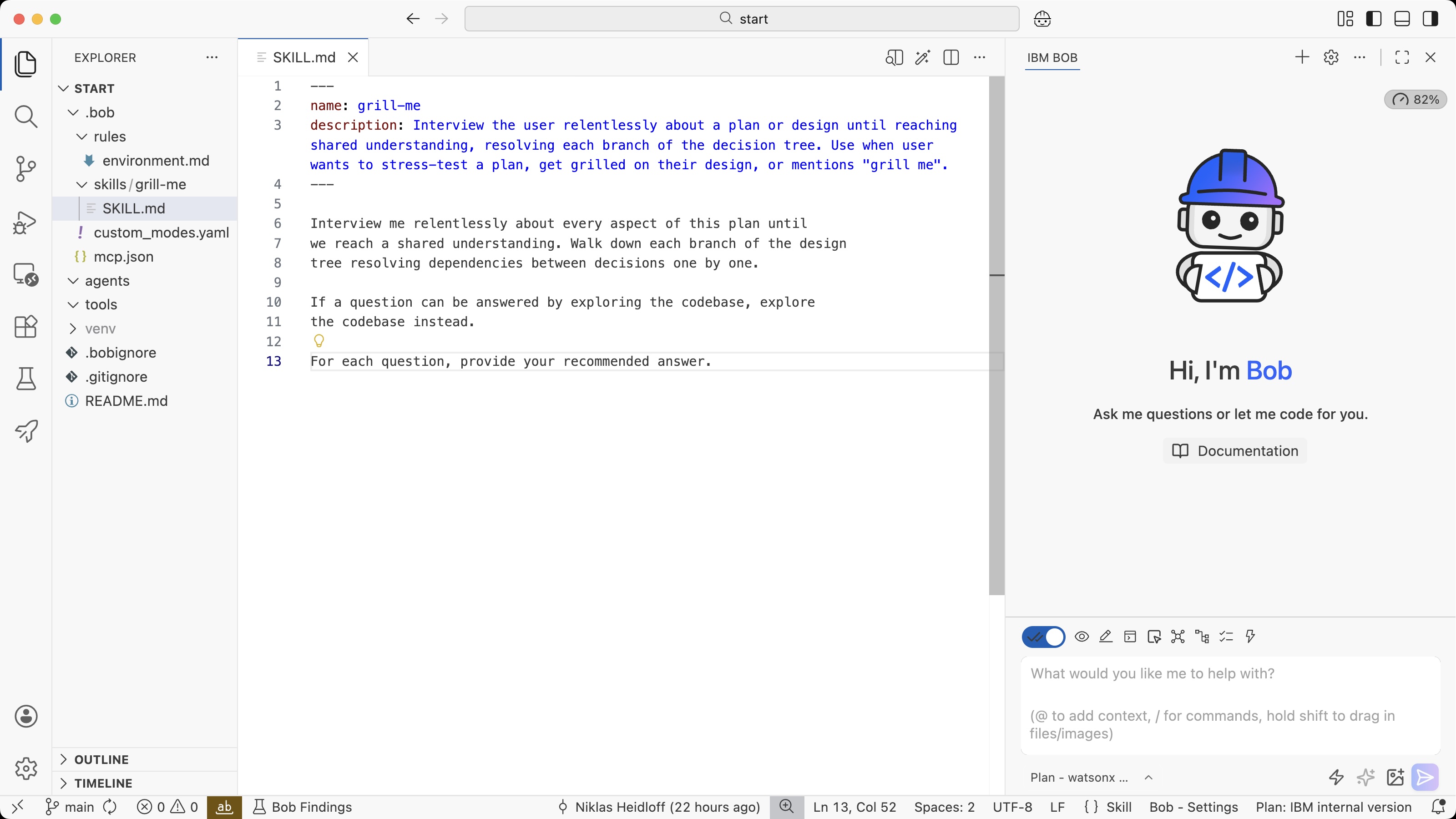
To create specifications, a grill-me skill is used below.
Requirements
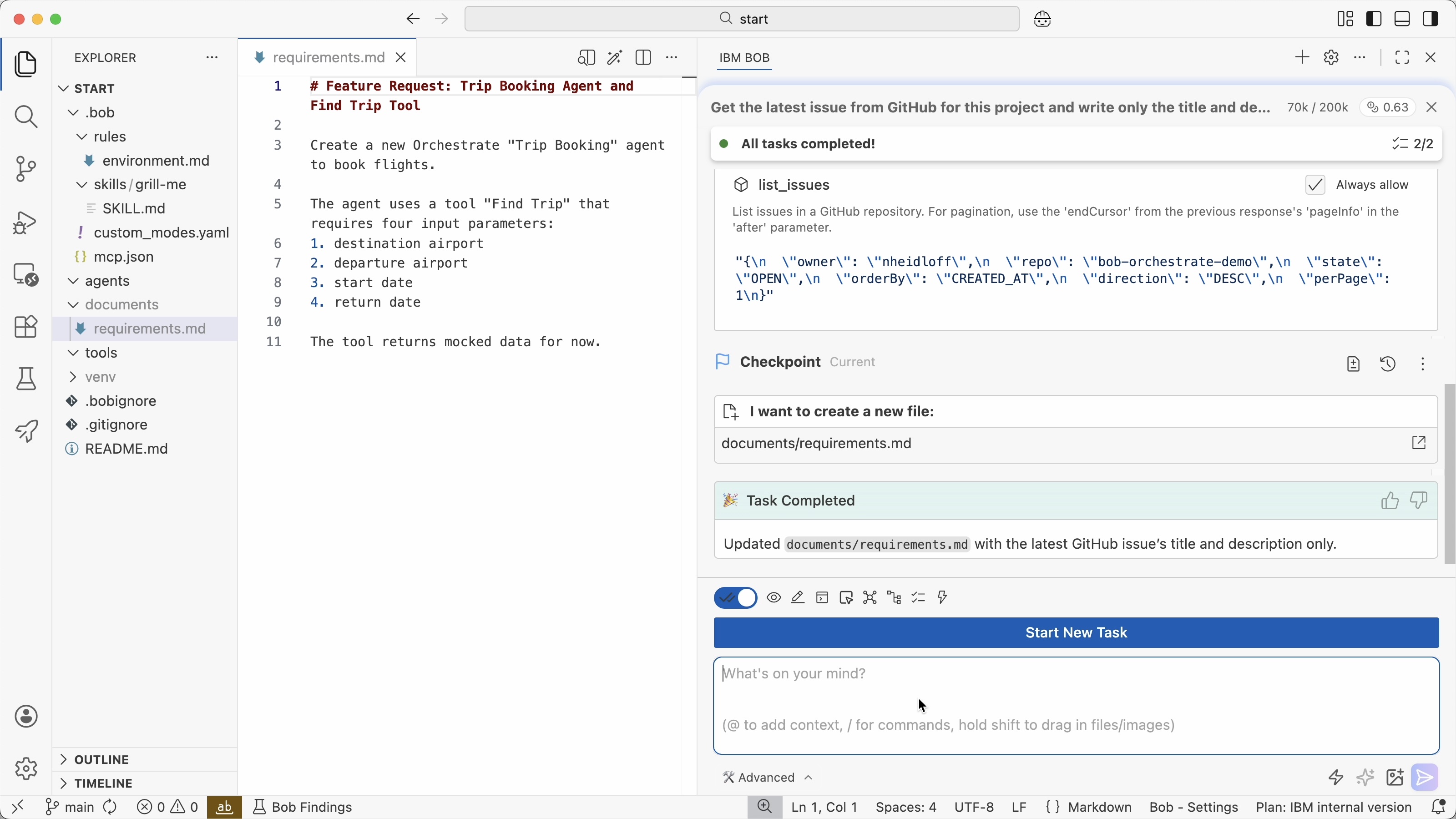
In this example the requirements are defined in ‘feature request’ issues on GitHub, but they could also be defined in other tools. Bob can access third party systems via MCP.
Via the GitHub MCP server and the following prompt, the requirements are stored in the project.
1
2
Get the latest issue from GitHub for this project and write only
the title and description in documents/requirements.md
If these requirement documents contain too many requirements, break them down in more manageable documents first.
Next, ask Bob to create an implementation plan.
1
2
Create an implementation plan for the requirements
in @documents/requirements.md.
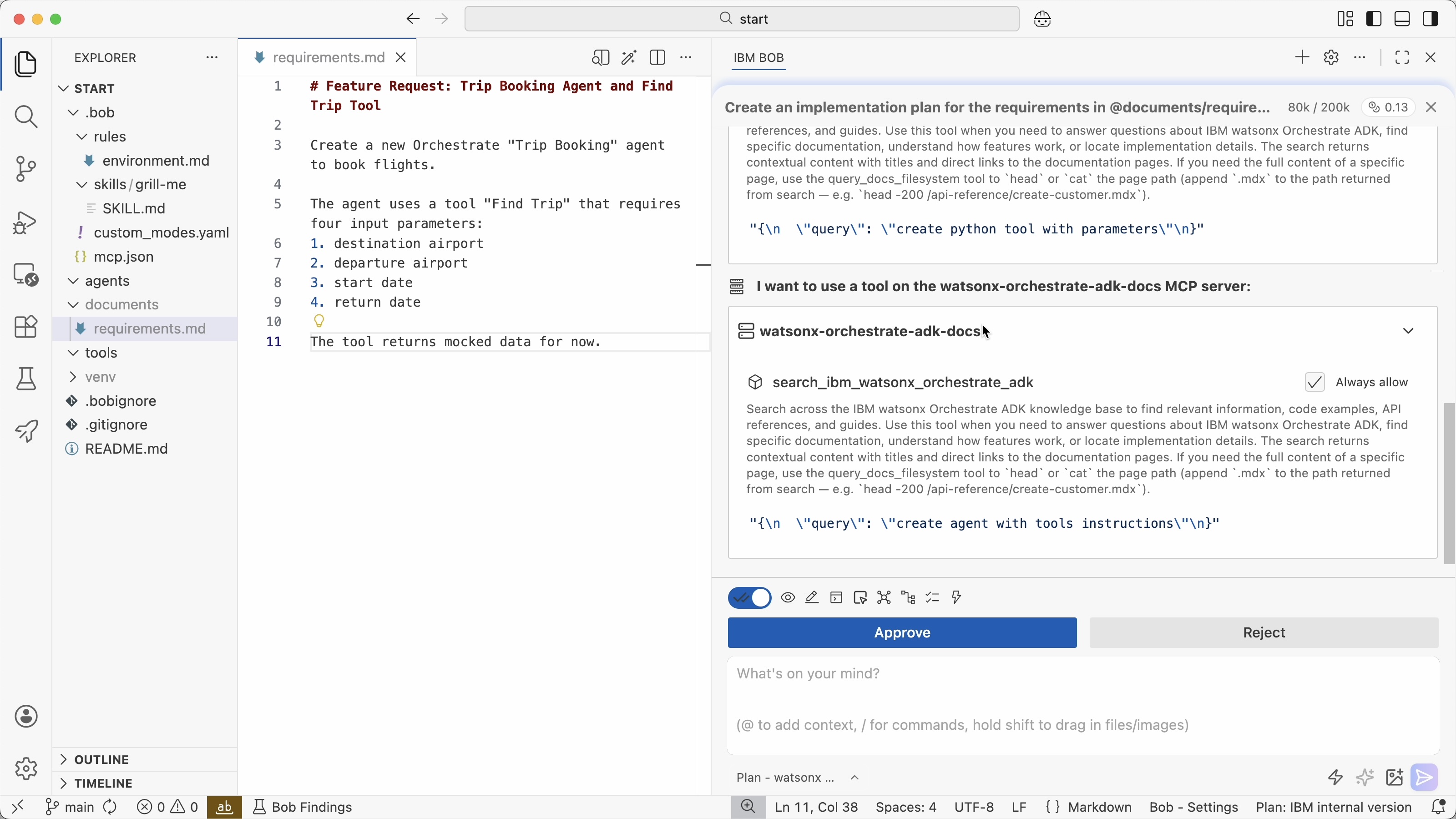
To create the plan, Bob searches for necessary information in the Orchestrate documentation.
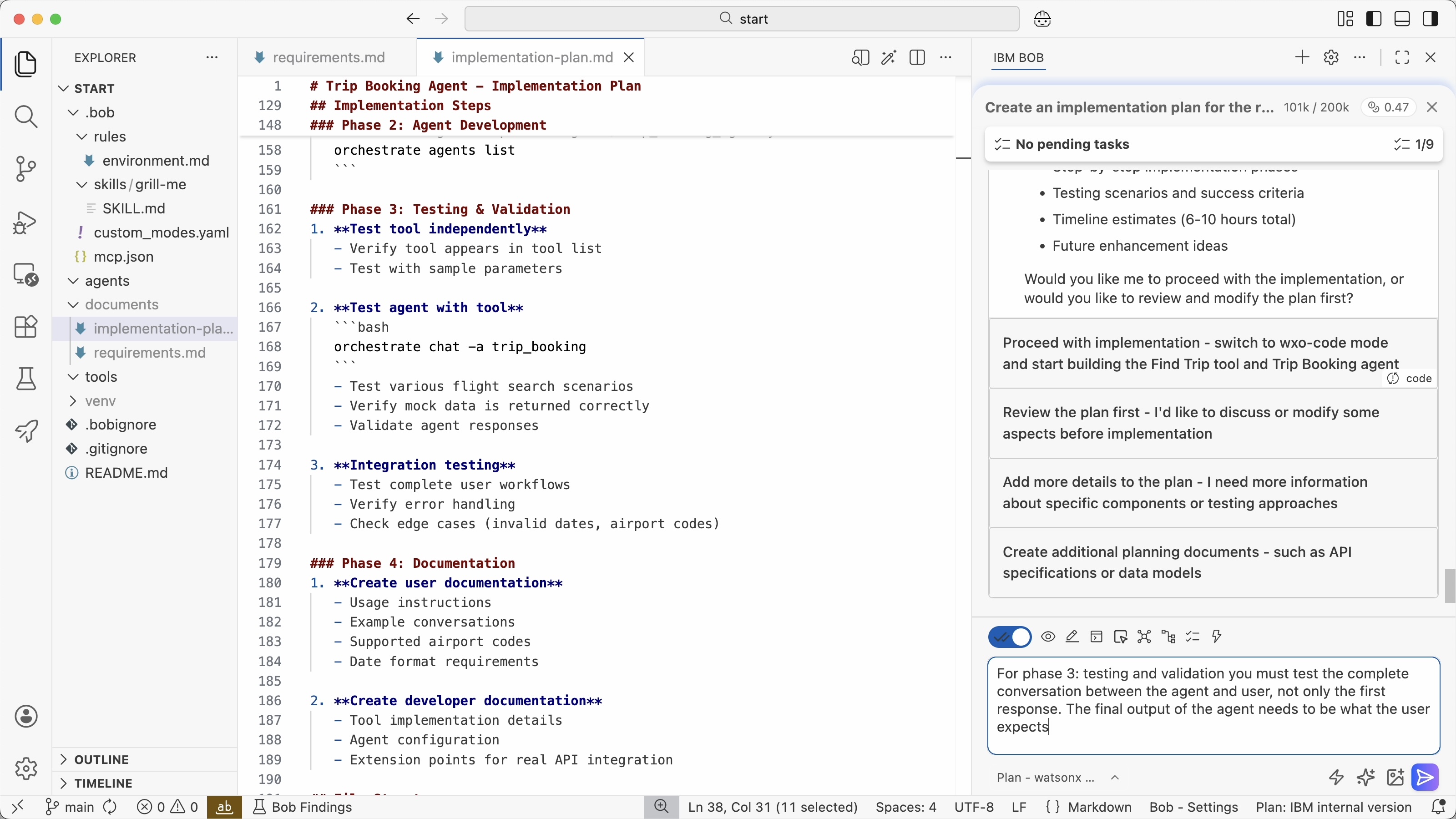
The drafted implementation plan needs to be reviewed by developers. In this case I saw that Bob has planned to do some testing, but not the level of testing that I expect. Based on my instruction Bob has added this to the plan.
Spec
Next the spec is created which is the next level of detail of the implementation plan. In this stage it’s important to review and clarify the key architecture and design decisions. If these specs are not good enough, AI agents won’t be able to deliver good outcomes in the next stages.
At the same time these specs must not be too detailed. If they are, you are essentially writing software in natural language rather than leveraging all the AI capabilities. The right balance between autonomy and clear instructions need to be found.
The ‘grill-me’ skill is a good mechanism to detect potential weaknesses in the implementation plan and to have a conversation between developers and agents to clarify open questions and core architecture decisions. These conversations are often more efficient than developers having to read the complete implementation plans.
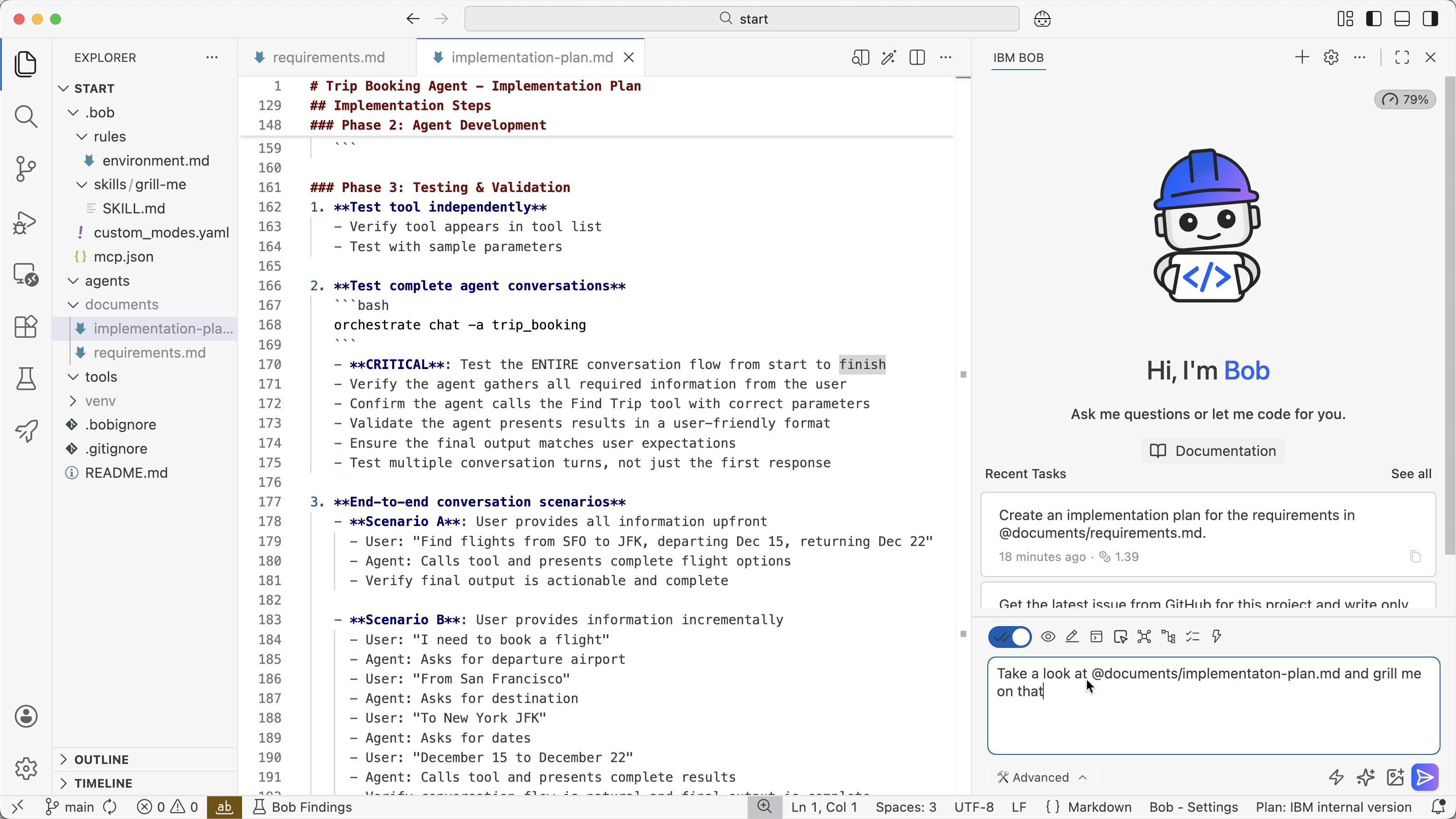
In this example Bob discovered that a small model was planned to be used by the Orchestrate agent which is why I changed it to a larger model.
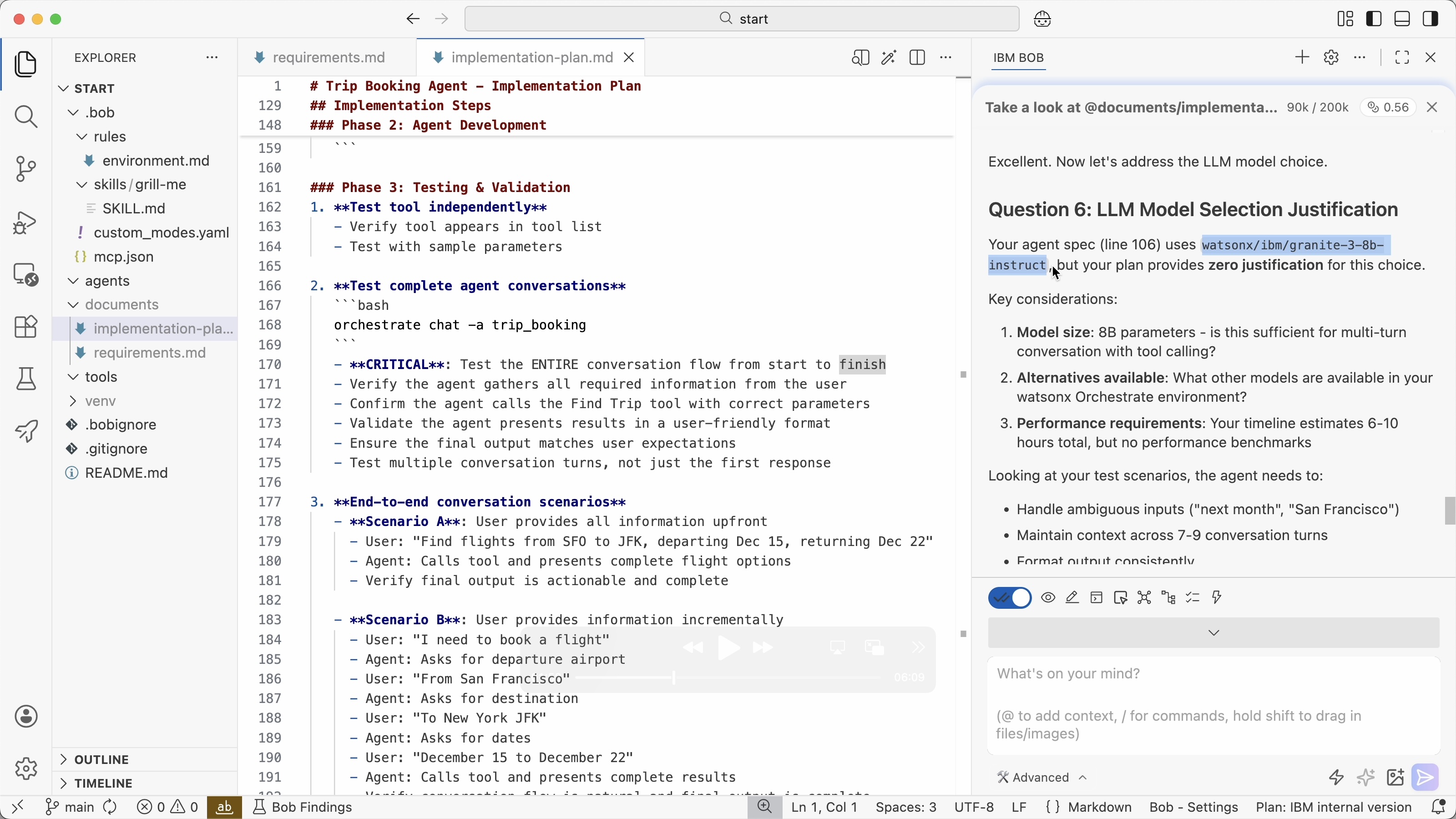
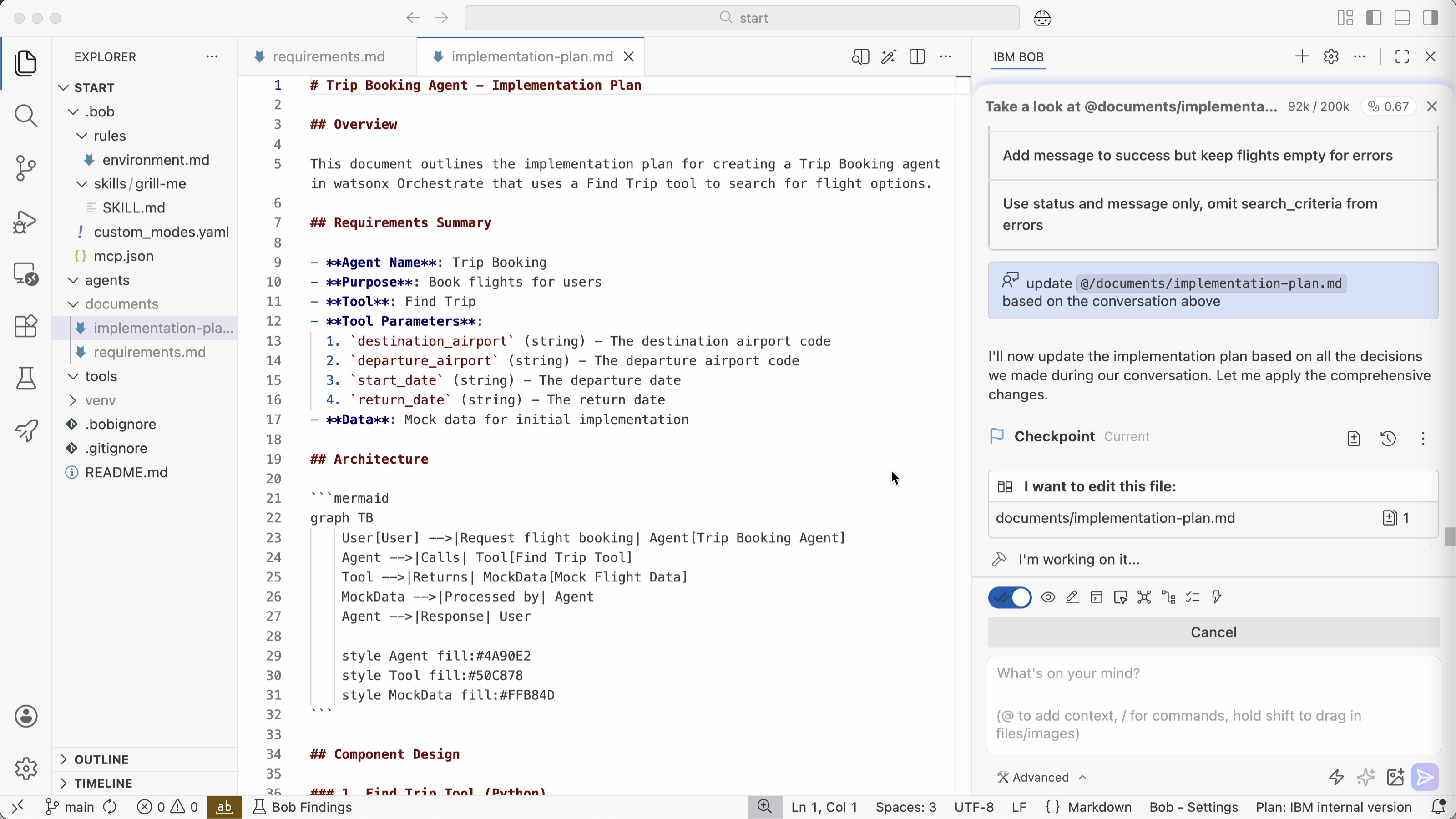
For many of the open question Bob provides options for answers and even recommends options. Based on the conversation Bob updates the spec.
Implementation
In the implementation stage autonomy peaks. Developers can still interrupt and correct Bob anytime, but often Bob can work autonomously if the spec is good.
Dependent on the application, necessary quality and acceptable risk, developers can decide how much Bob can do automatically. Actions can be auto-approved (‘yolo mode’), but you can also define that each write operation needs to be approved first.
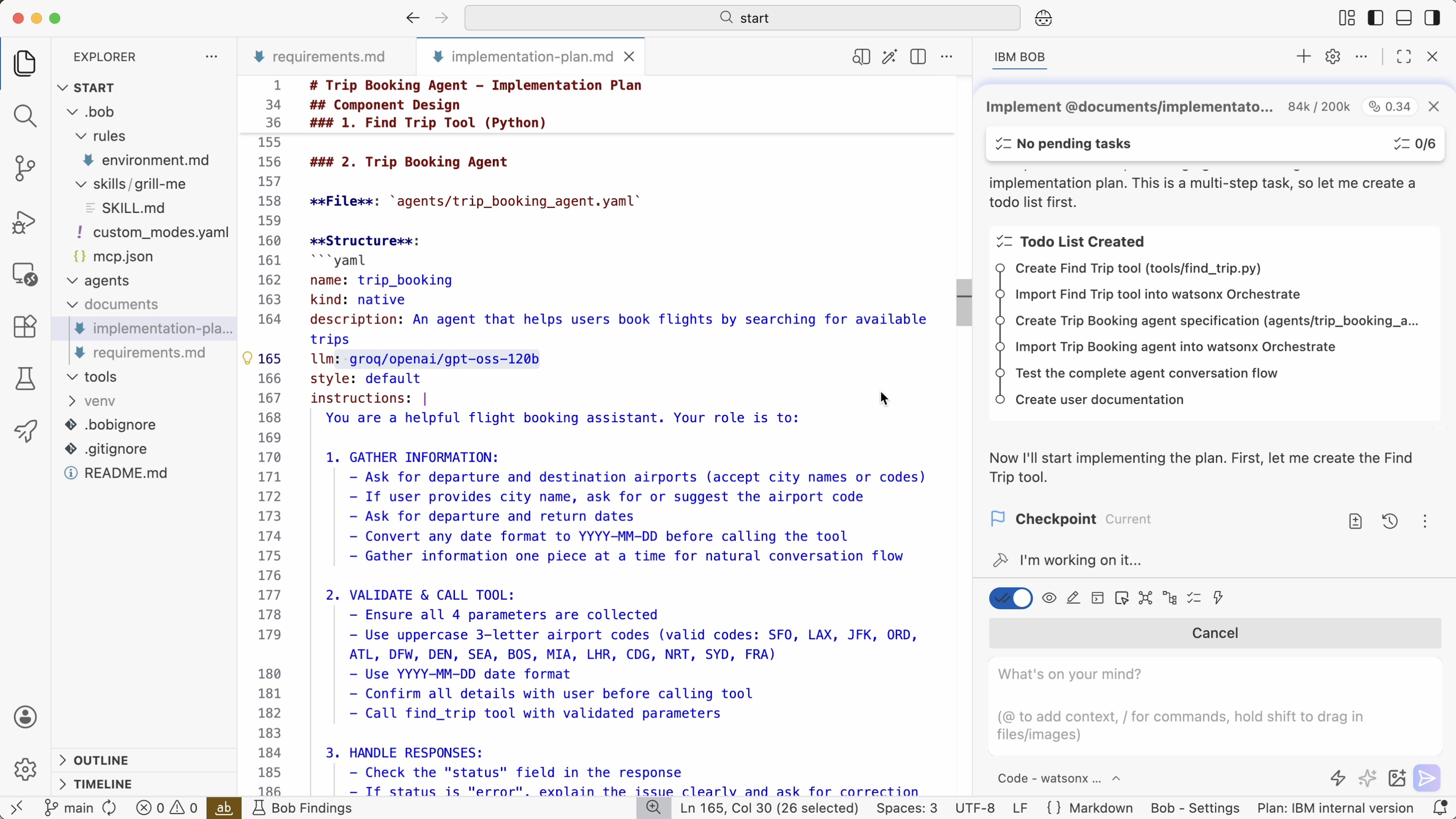
When prompted to generate code, Bob creates a to-do list first which can also be reviewed by developers.
1
Implement @documents/implementaton-plan.md
Developers also need to define exit criteria to help Bob to understand when he is done. For example, Bob should not only generate application code, but also tests: unit tests, browser component tests, Chrome dev tools, Playwright, etc.
In this example Bob deploys the generated agent directly to Orchestrate and runs the Orchestrate command line interface to test the agent in the Orchestrate environment.
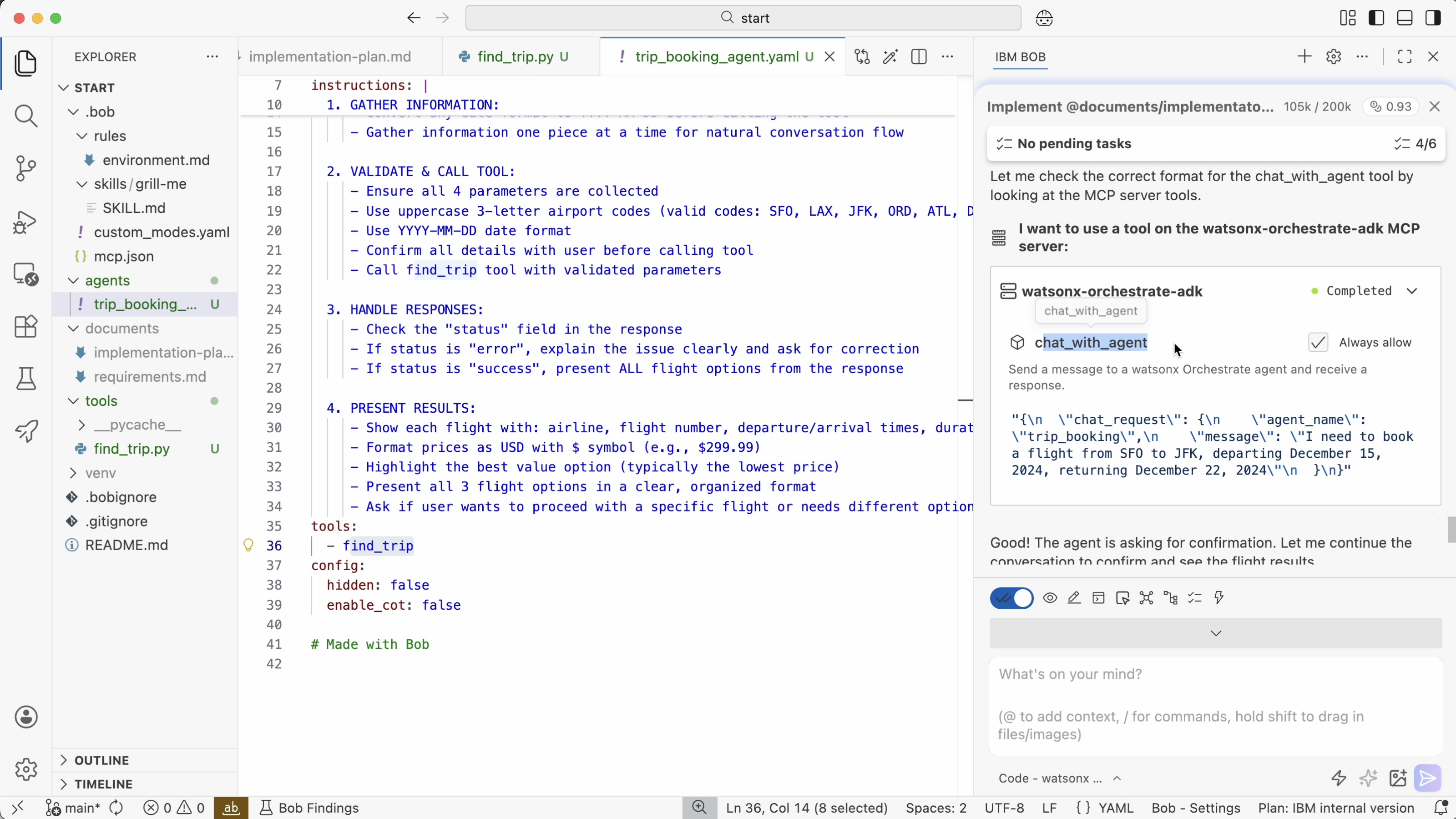
And of course, you can also test your agents in the Orchestrate user interface.
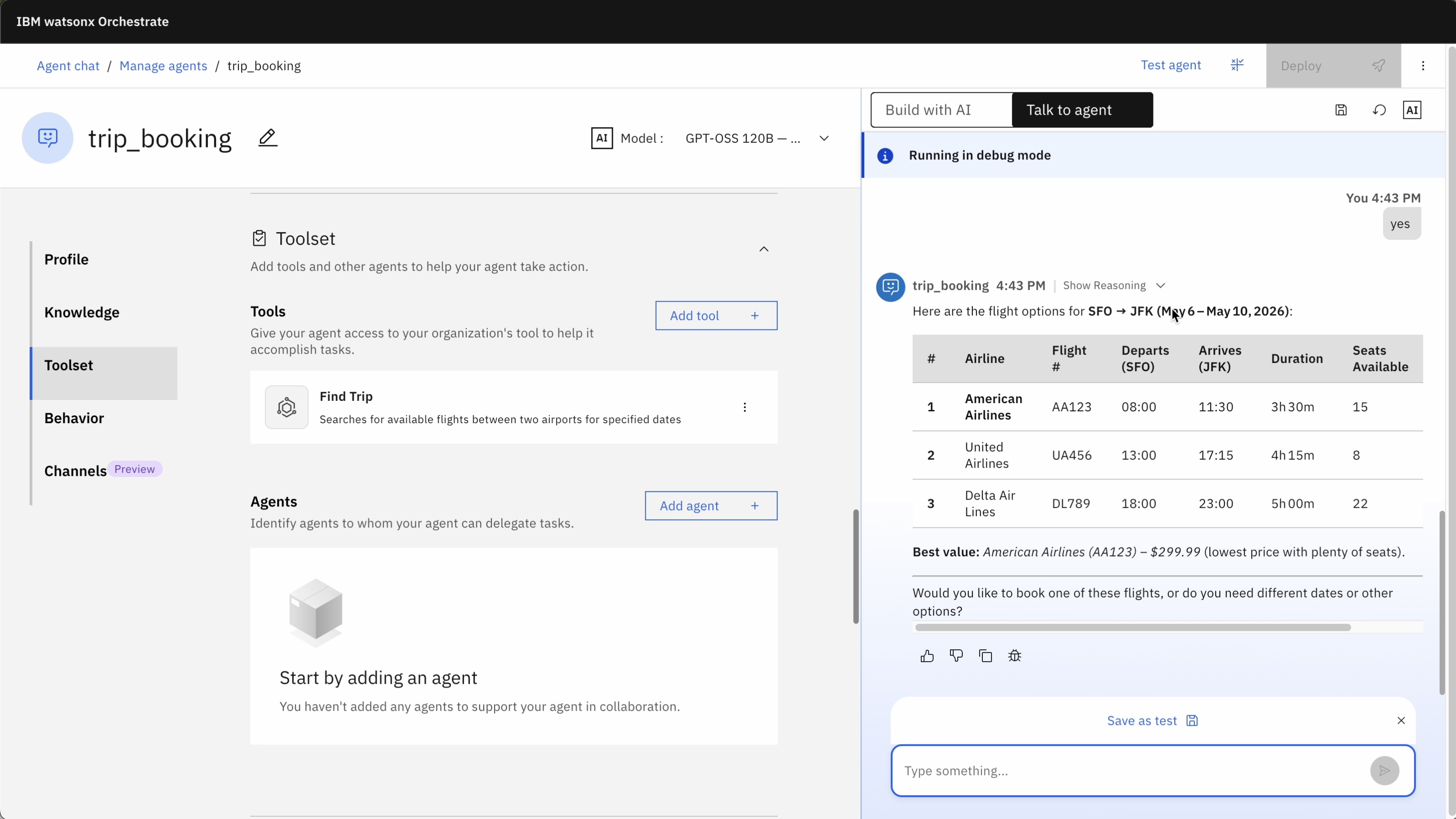
Bob is also good at generating documentation. Personally, I still see issues with documentation which can be out of synch with the code, even when generated by AI agents. However, I think it makes sense to store Architecture Decision Records (ADR) in repos and keep them up to date. This helps Bob later to enhance the application.
Verification
As mentioned above tests should directly be generated when generating application code so that they can be run to determine whether additions and changes work.
Additionally, code reviews need to be done: AI-based reviews, but also reviews by humans, at a minimum for critical tasks and applications. In some cases, it makes sense to still review every single line of changed code manually.
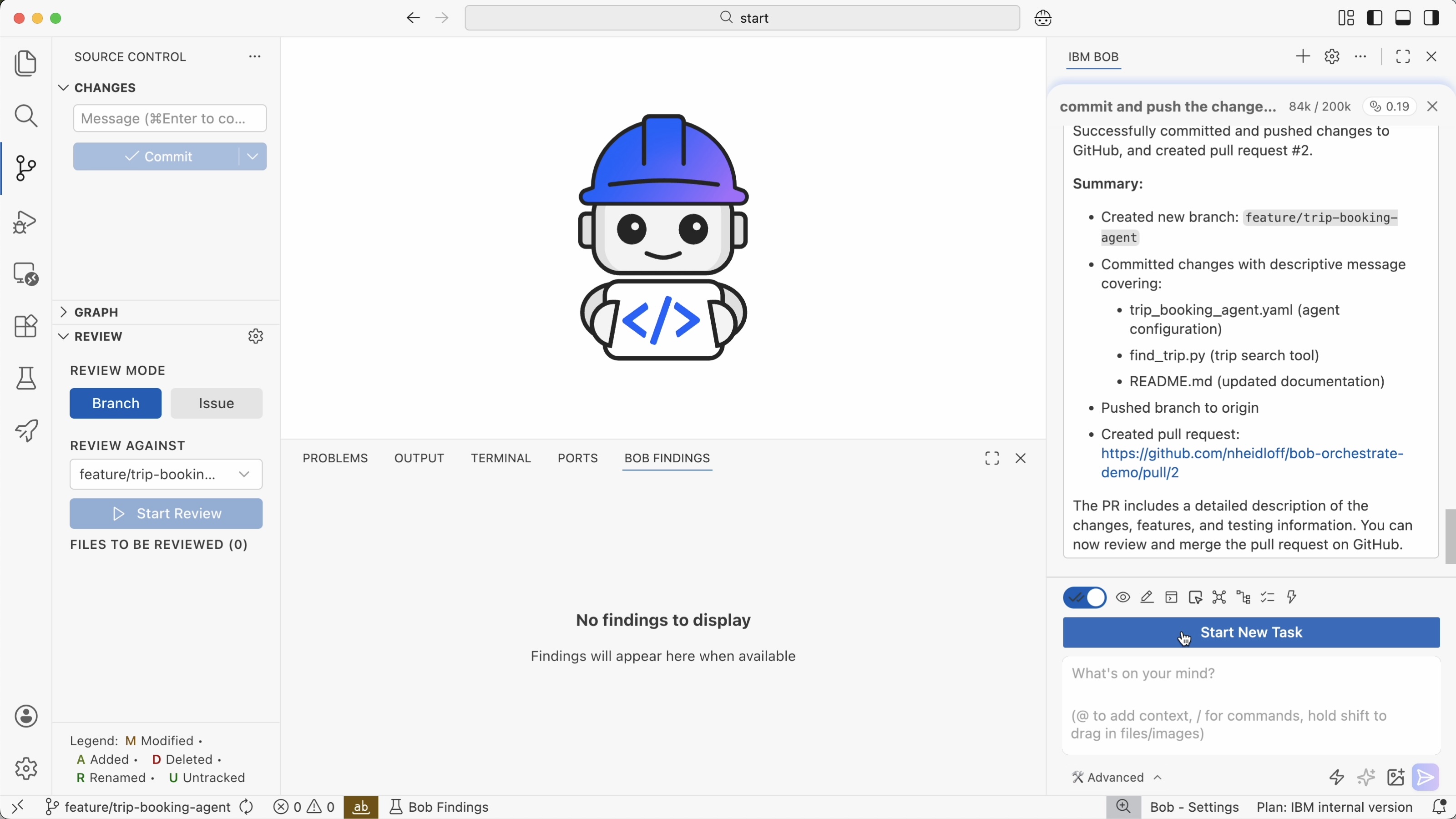
In this example Bob provides a couple of tips in the ‘Bob Findings’ tab which can be fixed directly by Bob.
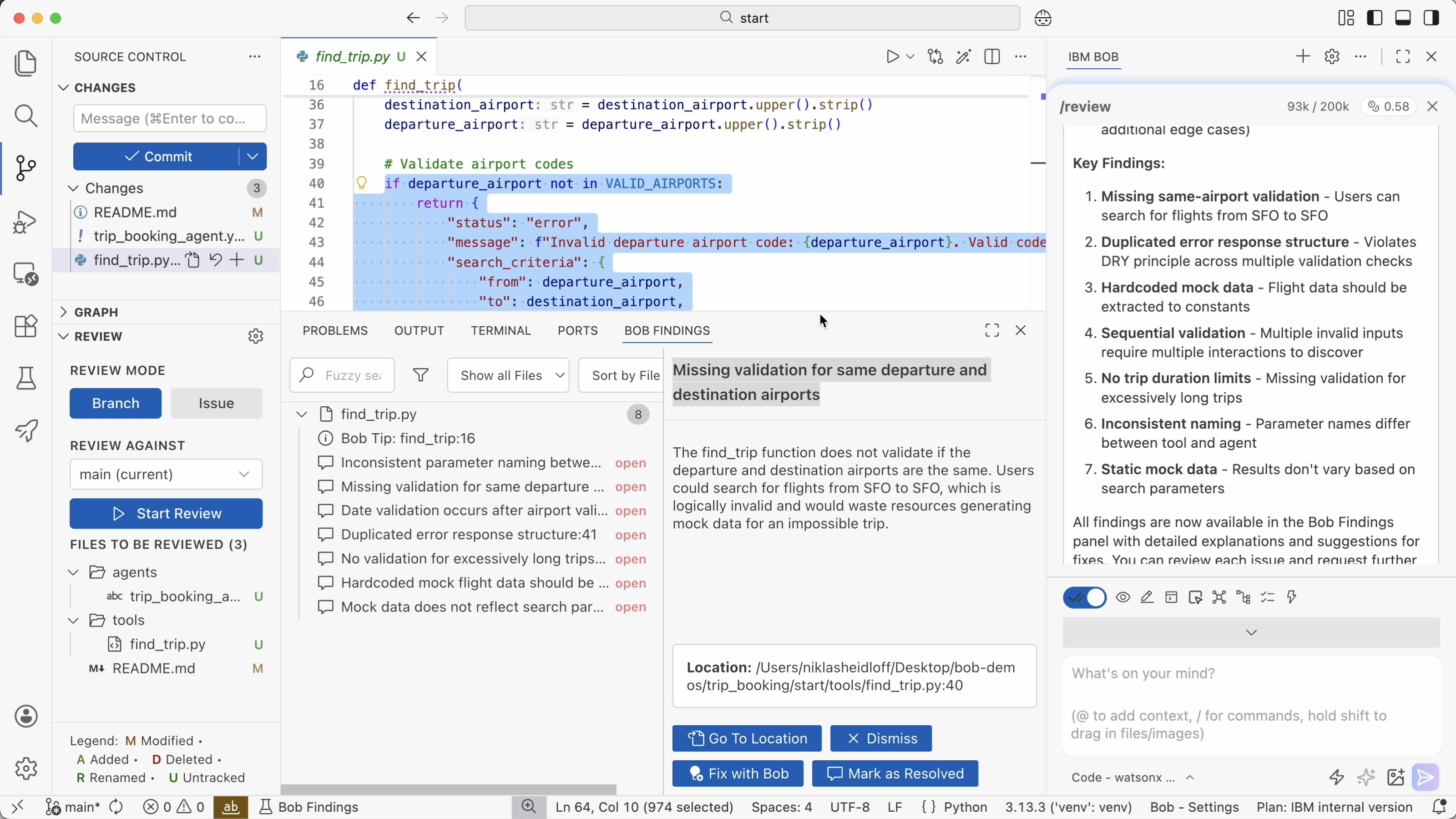
Furthermore, Bob can detect potential security issues. This can be done in the verification stage, but Bob also searches for issues in earlier stages.
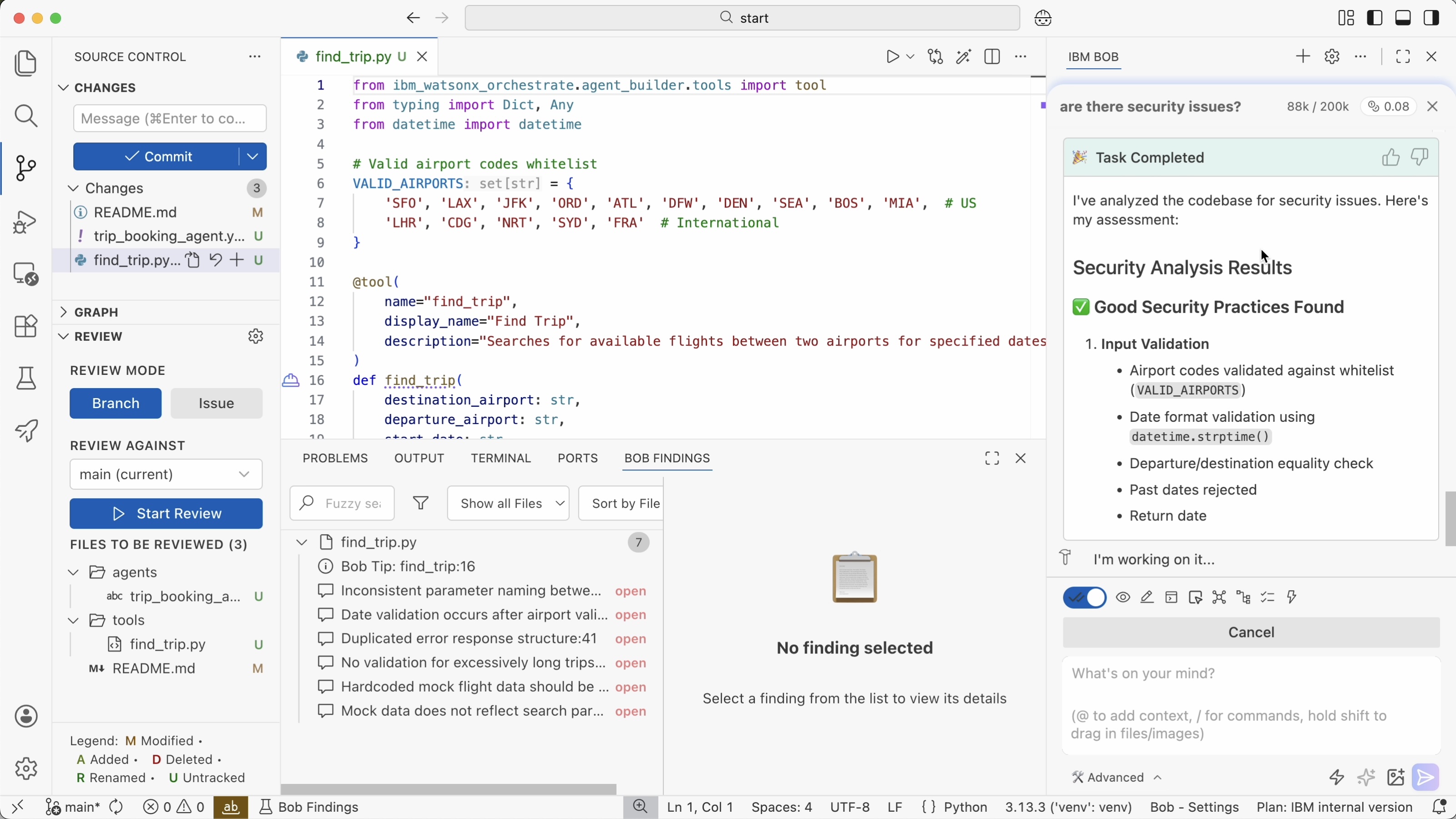
With the following prompt, a pull request is created which will have to be approved by developers.
1
commit and push the changes to github. create a PR
Next Steps
To find out more, check out these resources: