
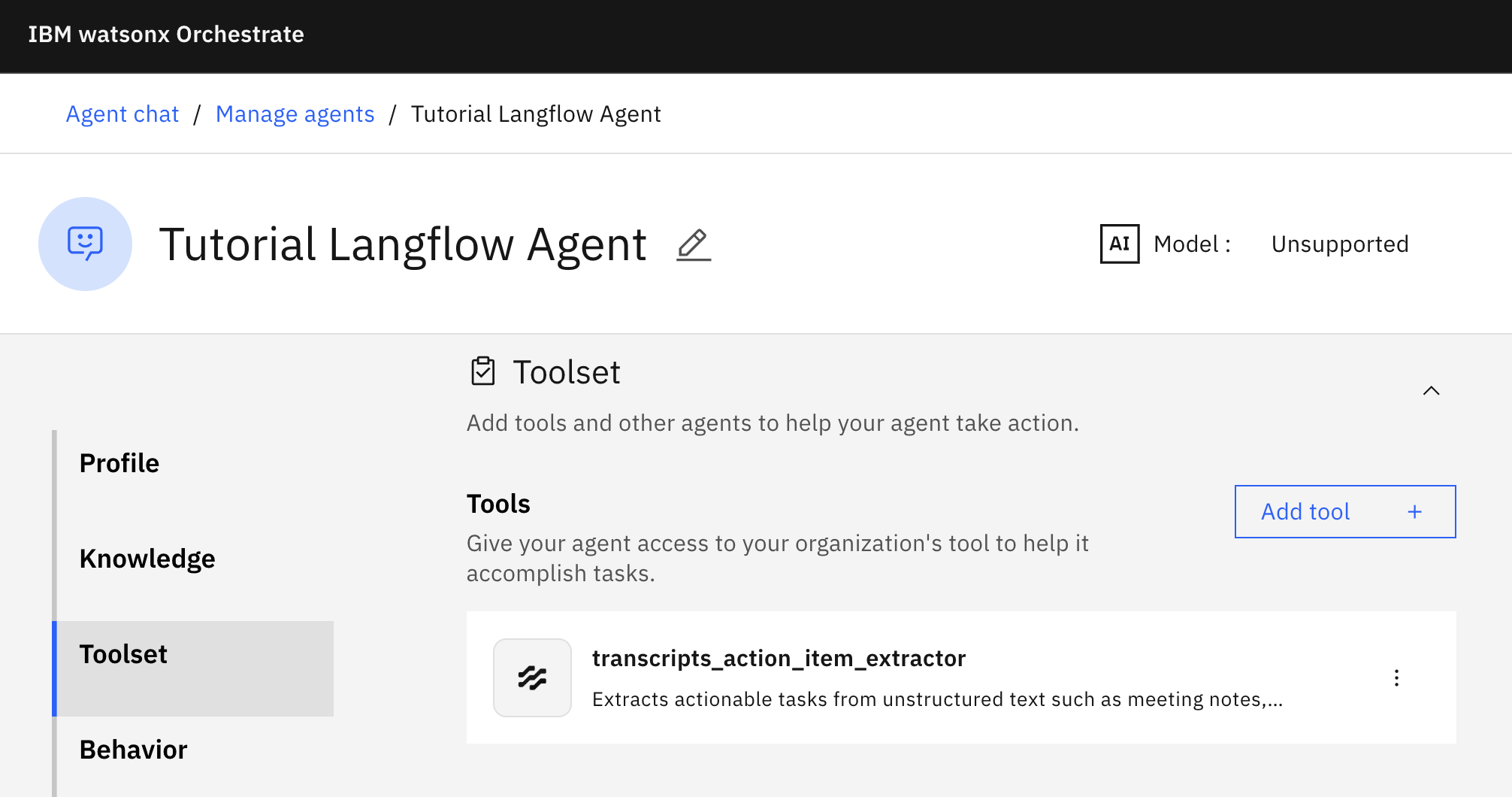
Watsonx Orchestrate is IBM’s platform to build and run agentic systems in enterprises. Agents implemented with the open-source framework Langflow can be imported and deployed in Orchestrate.
Langflow makes it easy to implement agents, for example via its user interface and lots of re-usable components. Read my post Leveraging Docling in Langflow to learn more. Langflow is also part of OpenRAG, an open-source framework to build Retrieval Augmented Generation applications.
Example
Let’s look at an example with a simple flow. The flow extracts action items from meeting transcripts. Flows can be sophisticated agentic systems, but in this case the flow only uses regular expressions and deterministic code to keep it simple.
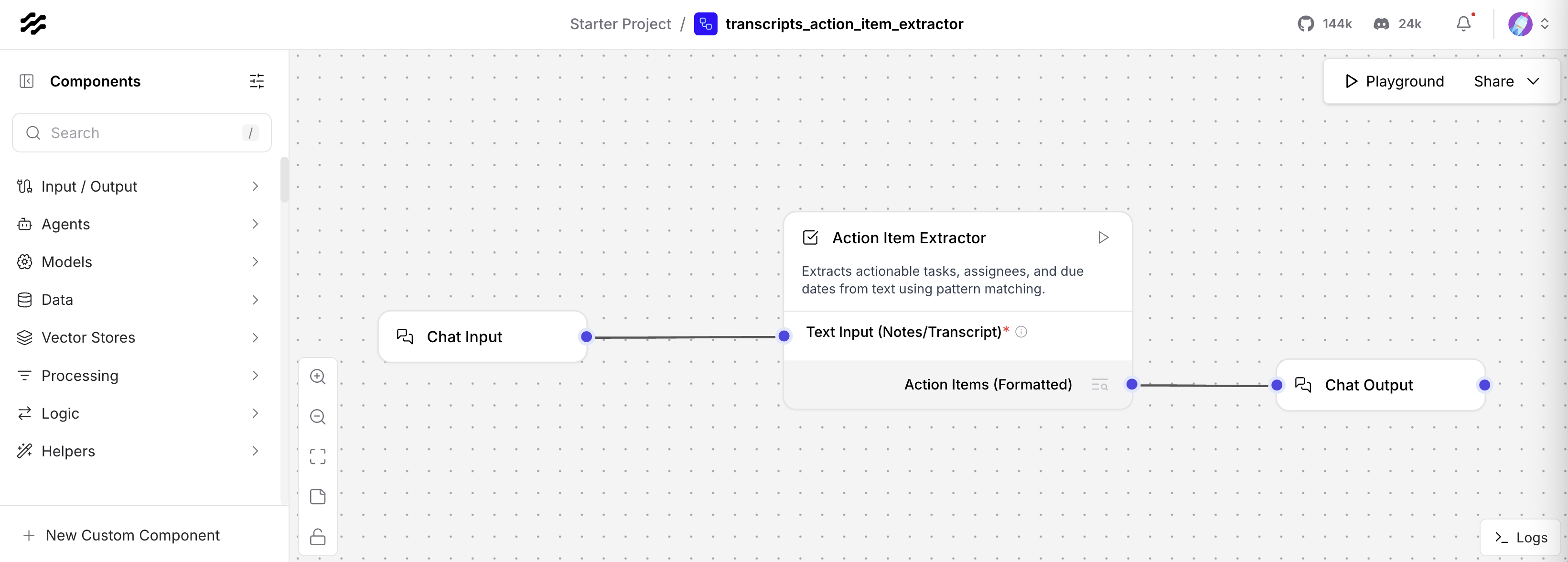
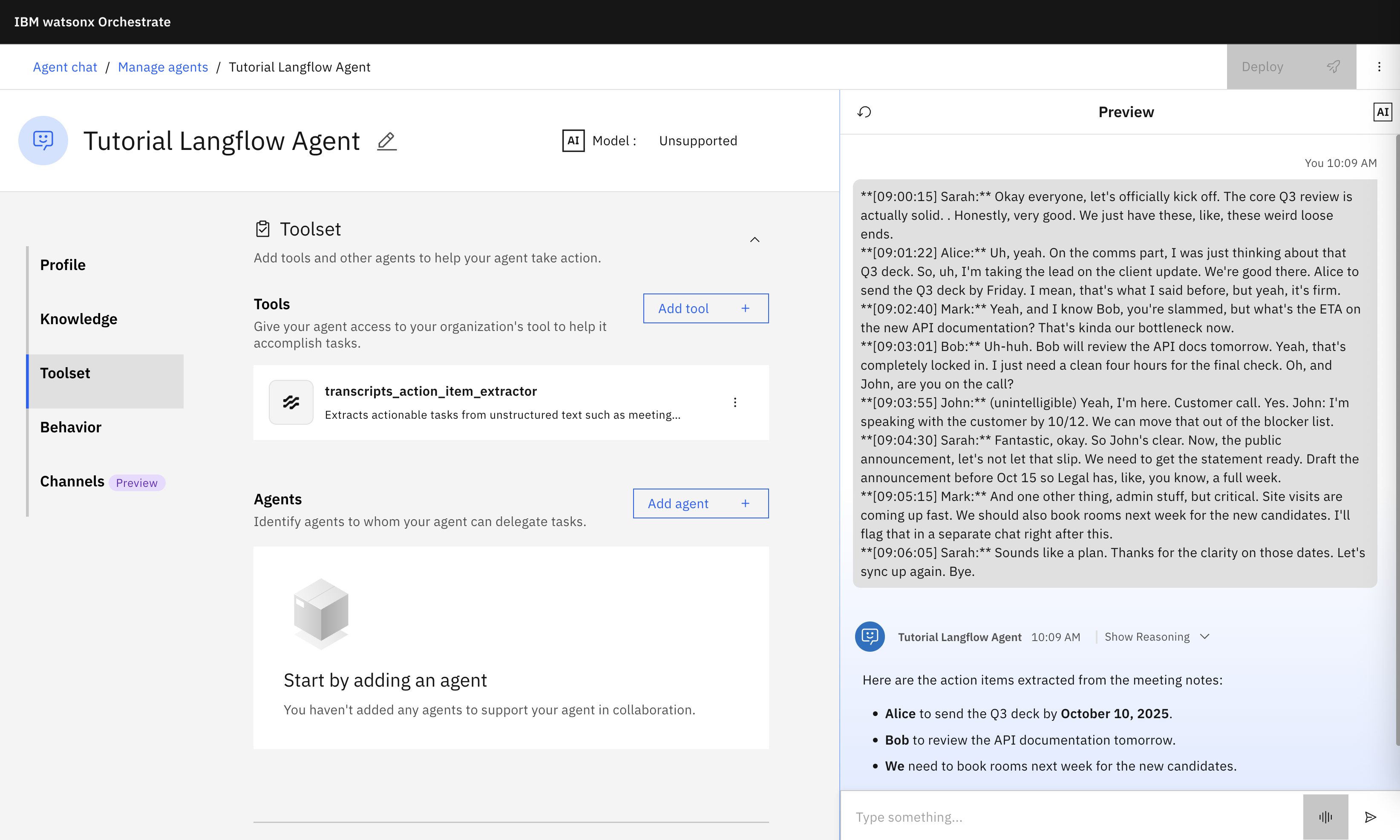
The next screenshot shows an Orchestrate agent which uses the Langflow flow as a tool with text as input parameter and text as output parameter.
Import
Flows can be exported as JSON files. The Langflow runtime which comes with watsonx Orchestrate can interpret the definitions and run them.
The watsonx Orchestrate Developer Edition allows running Orchestrate locally via containers. To enable Langflow and to open the editor, launch Orchestrate via ‘–with-langflow’.
1
2
orchestrate server start --env-file=./.env -l --with-langflow
open http://localhost:7861/
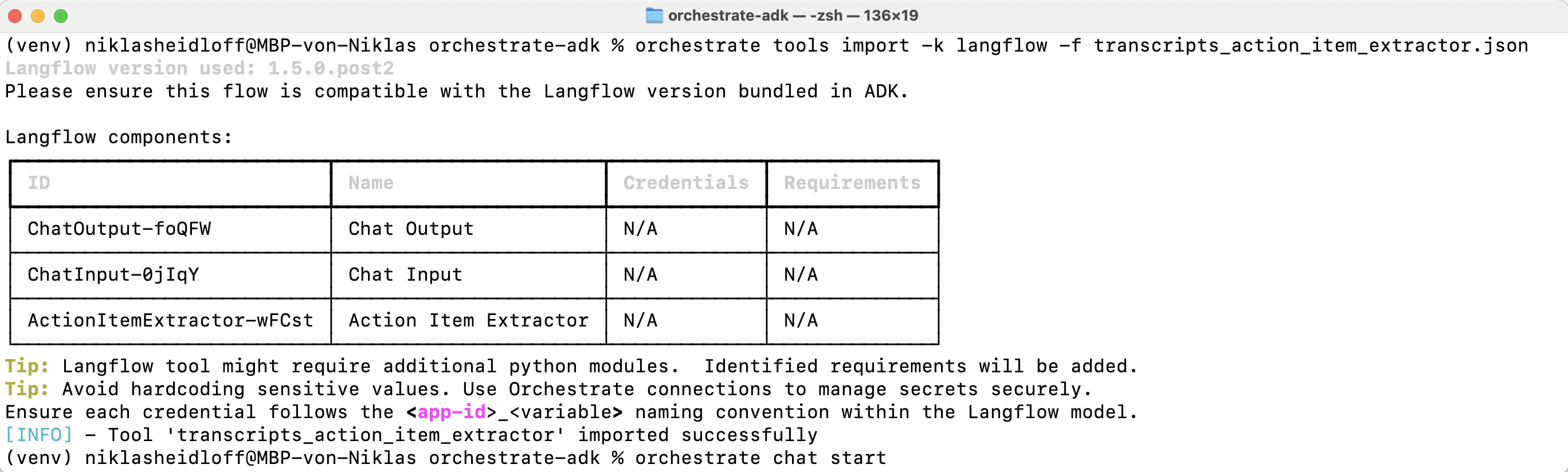
The sample flow and the sample agent can be imported in watsonx Orchestrate via CLI.
1
2
orchestrate tools import -k langflow -f transcripts_action_item_extractor.json
orchestrate agents import -f langflow_agent.yml
In the definition of the agent the Langflow flow is listed as tool:
1
2
3
4
5
6
7
8
9
10
11
12
13
14
15
kind: native
name: langflow_agent
display_name: Tutorial Langflow Agent
description: Tutorial Langflow Agent
context_access_enabled: true
context_variables: []
llm: watsonx/ibm/granite-4-h-small
style: default
instructions: ''
guidelines: []
collaborators: []
tools:
- transcripts_action_item_extractor
knowledge_base: []
spec_version: v1
Credentials
Langflow utilizes environment variables to store configurations and API keys. This data should be kept separate from the core flow definition.
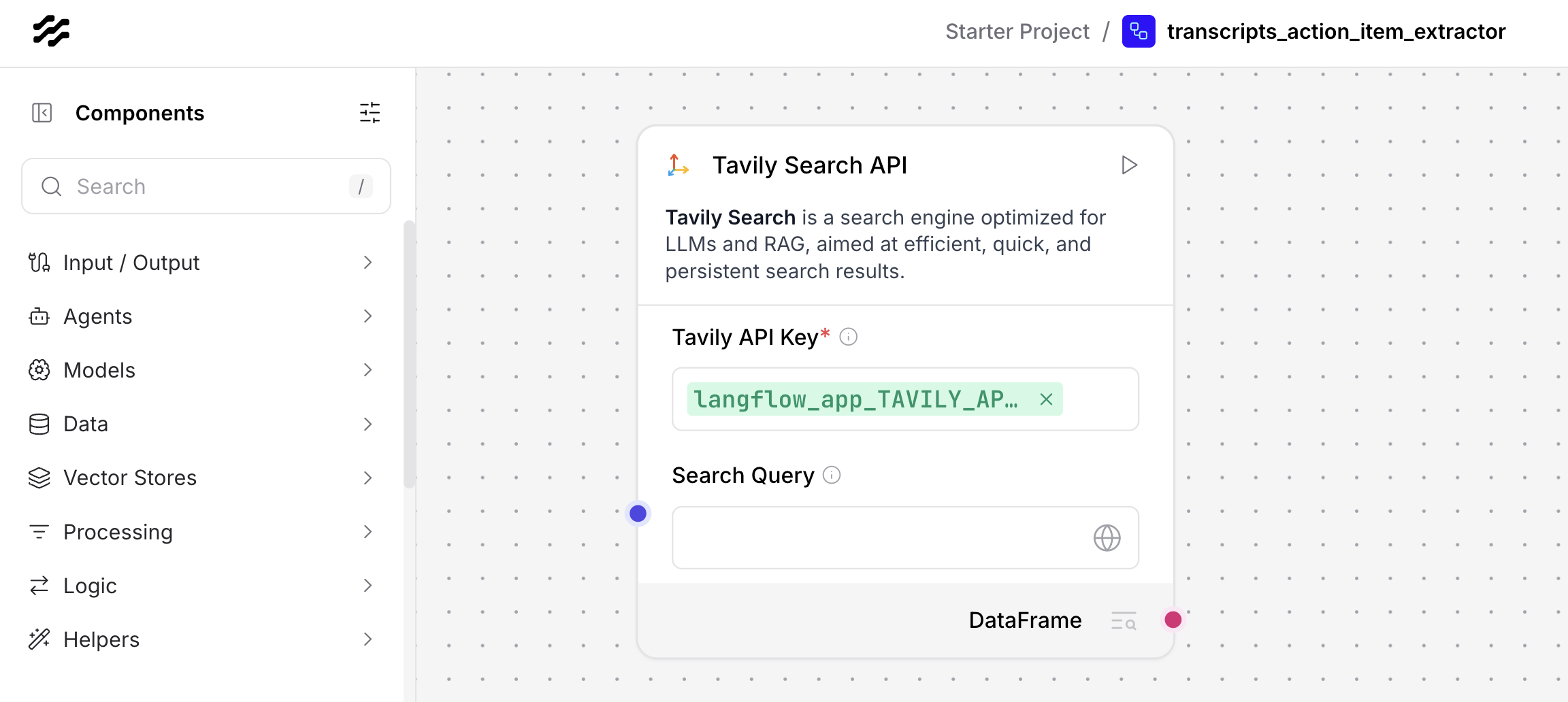
These environment variables can be managed via watsonx Orchestrate connections.
1
2
3
orchestrate connections add -a langflow_app
orchestrate connections configure -a langflow_app --env draft -t team -k key_value
orchestrate connections set-credentials -a langflow_app --env draft -e USER_NAME=$USER_NAME
Next Steps
To find out more, check out the following resources: