
When building applications, developers often utilize standard tooling - Docker or Podman for containers, Ollama for local models. Context Forge aims to become the standard tool to manage agentic MCP tools.
MCP has become the de-facto standard to build tools for agentic applications. Tools can be leveraged by agents to access data and to invoke business functionality. They are integrated in AI-based applications, for example development environments like IBM Bob.
While technically agents can access tools directly, there is a need to manage tools and their invocations, similarly to classic APIs. While agents can be built to have access to many tools, limitations of context windows of Large Language Models suggest keeping these lists as small to possible to reduce the noise and make agents more reliable. Context Forge addresses these challenges of administrators and developers.
Today IBM released version 1.0.0 (beta 1) of the open-source project Context Forge which comes with a new desktop client and CLI.
Introduction
Context Forge is a gateway, registry, and proxy that sits in front of any Model Context Protocol (MCP) server, A2A server or REST API-exposing a unified endpoint for all your AI clients. It currently supports:
- Federation across multiple MCP and REST services
- A2A (Agent-to-Agent) integration for external AI agents (OpenAI, Anthropic, custom)
- gRPC-to-MCP translation via automatic reflection-based service discovery
- Virtualization of legacy APIs as MCP-compliant tools and servers
- Transport over HTTP, JSON-RPC, WebSocket, SSE (with configurable keepalive), stdio and streamable-HTTP
- An Admin UI for real-time management, configuration, and log monitoring (with airgapped deployment support)
- Built-in auth, retries, and rate-limiting with user-scoped OAuth tokens and unconditional X-Upstream-Authorization header support
- OpenTelemetry observability with Phoenix, Jaeger, Zipkin, and other OTLP backends
- Scalable deployments via Docker or PyPI, Redis-backed caching, and multi-cluster federation
The lead developer Mihai Criveti introduced Context Forge:
- Article: ContextForge MCP Gateway: The Missing Proxy & Registry for AI Tools
- Video: Context Forge - MCP Gateway (The AI Alliance)
MCP Tools
Let’s look how developers can start with Context Forge via the desktop client. Once installed, Context Forge can be run in the background and can be managed via an Electron-based user interface.
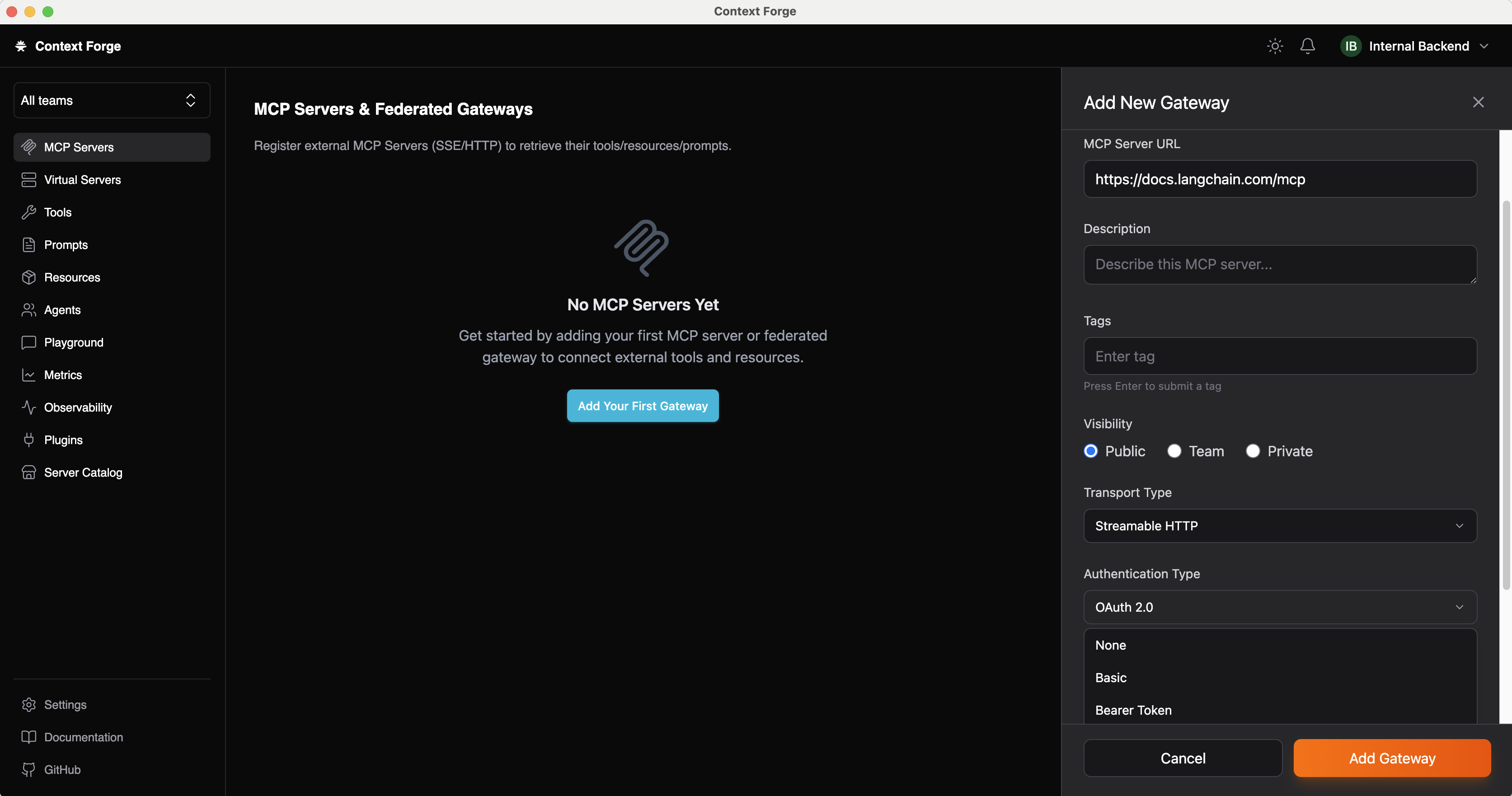
First, new MCP servers can be registered with SSE and Streamable HTTP transport types, different access levels and multiple authentication types including OAuth.
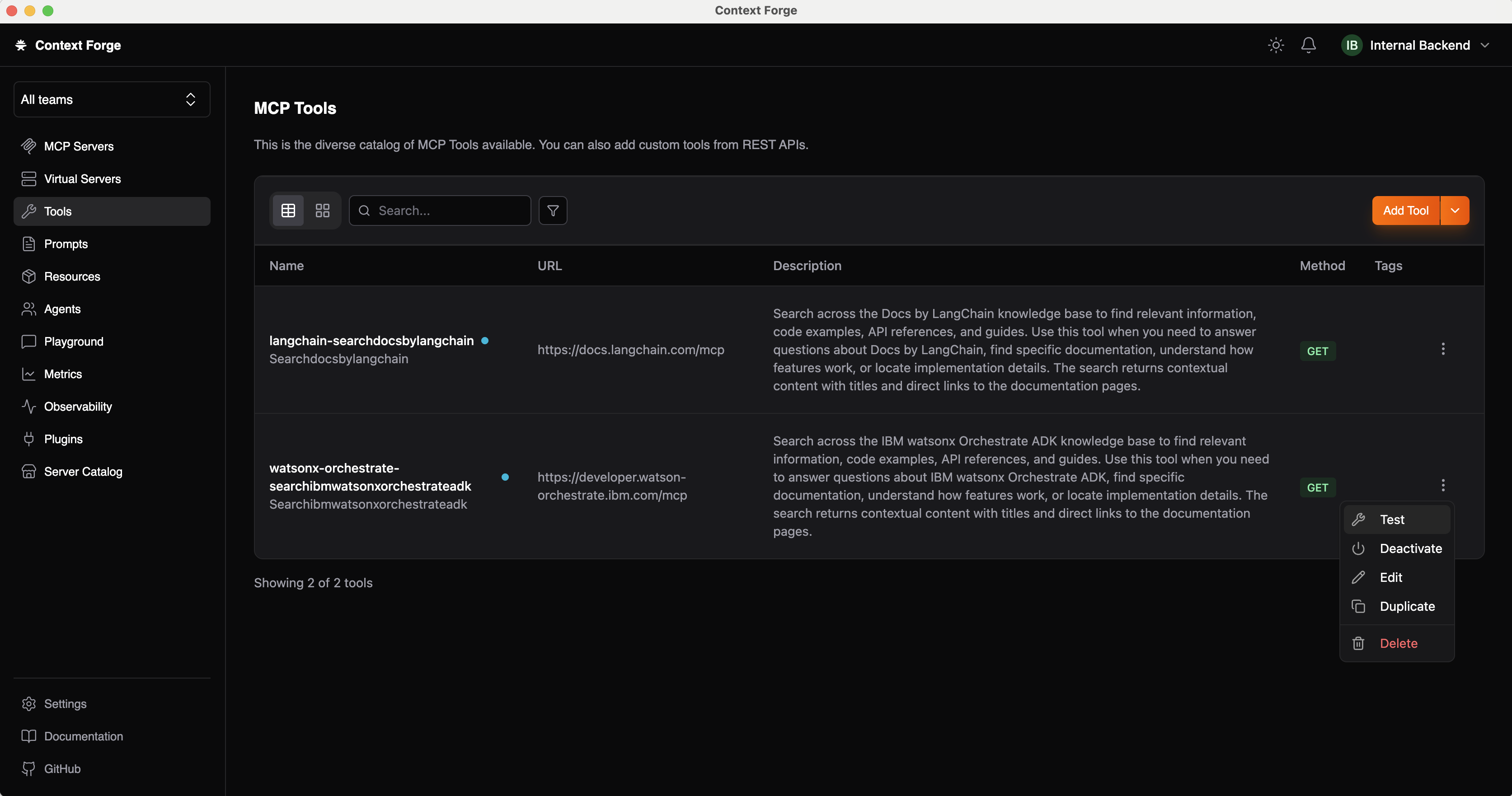
Once MCP servers have been defined, the tools show up. In my example I point to two documentation servers for LangChain and watsonx.Orchestrate which could be integrated in AI-based development environments.
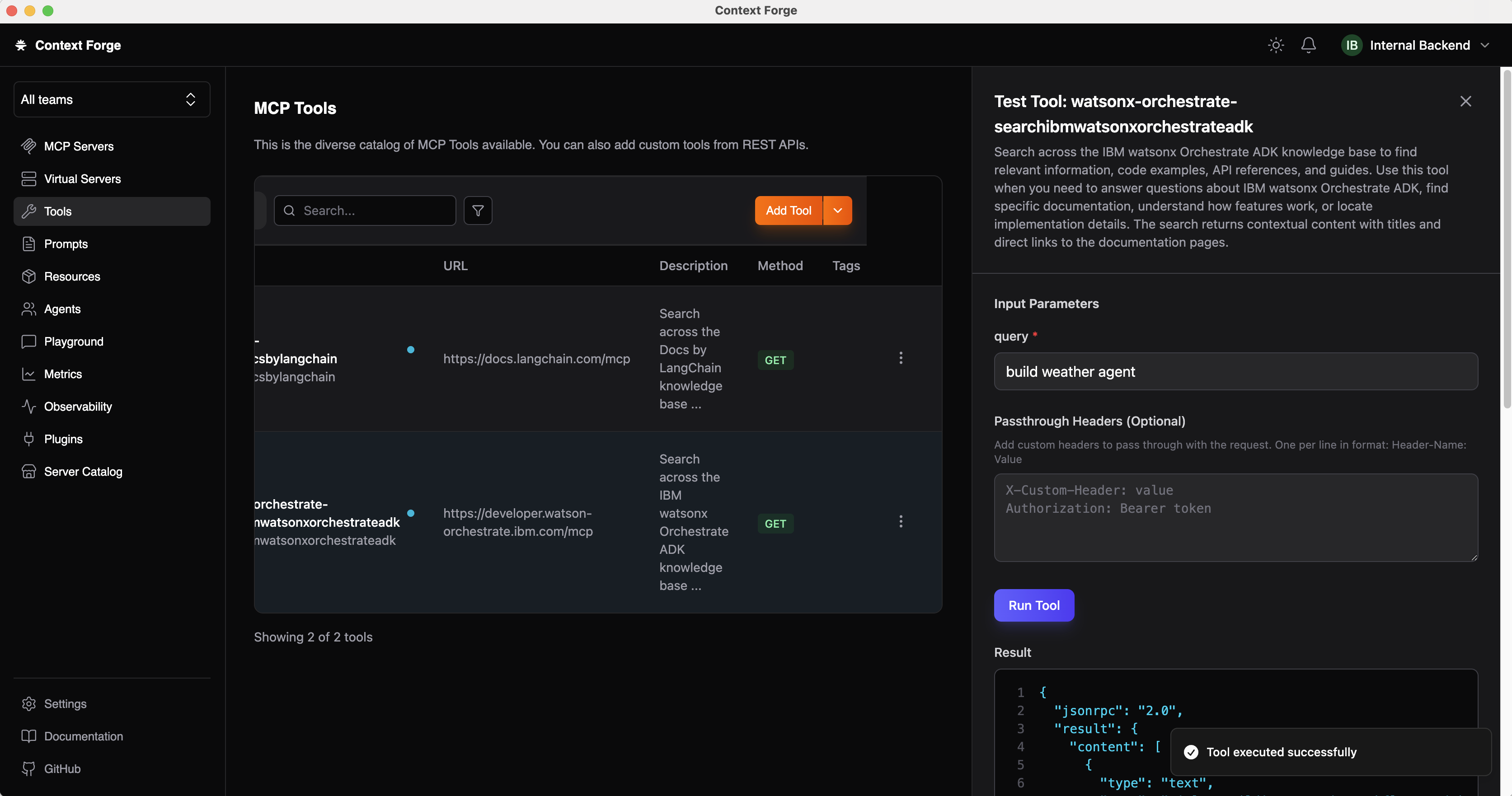
The tools can be tested in the desktop client.
Virtual MCP Servers
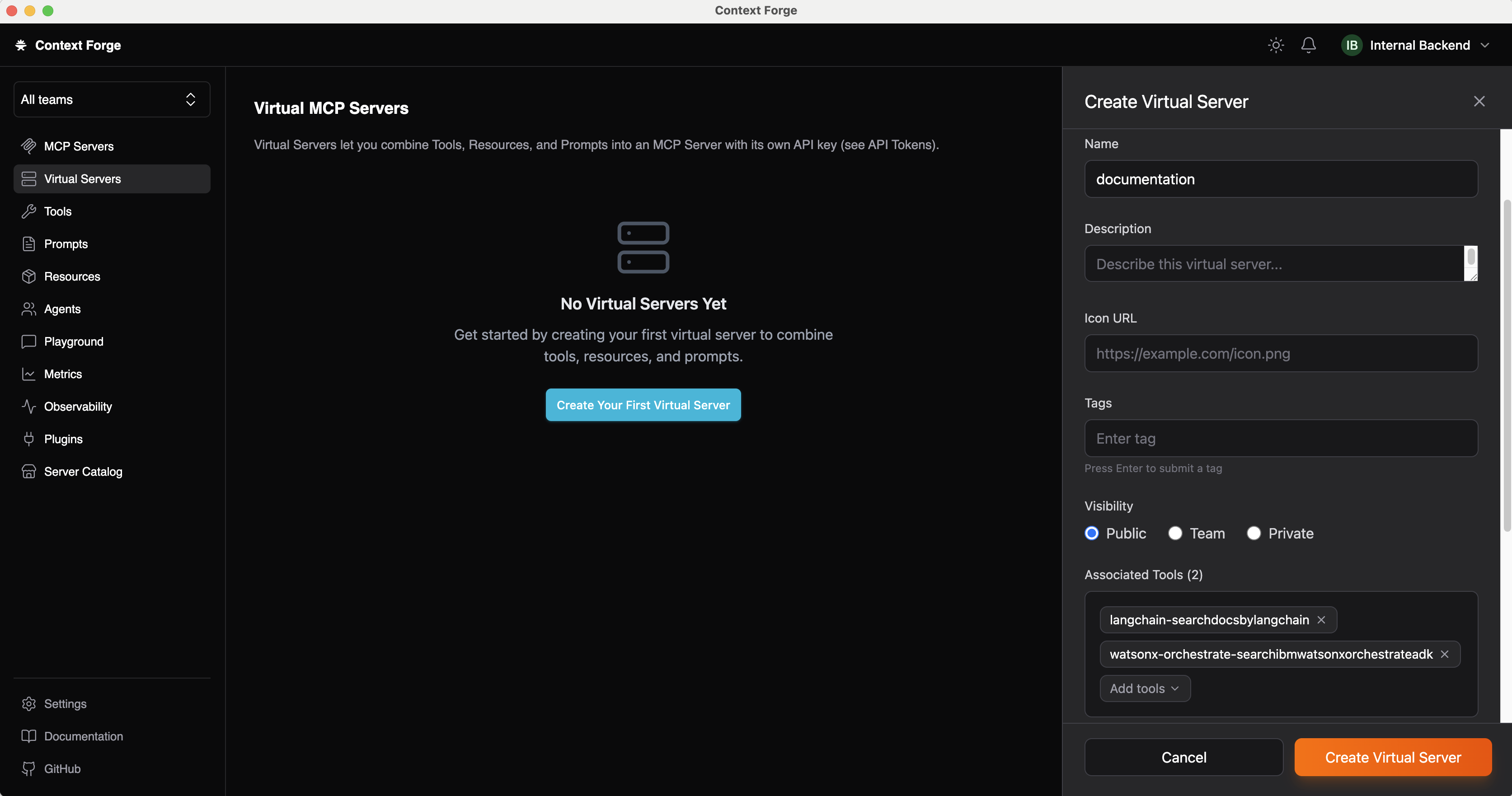
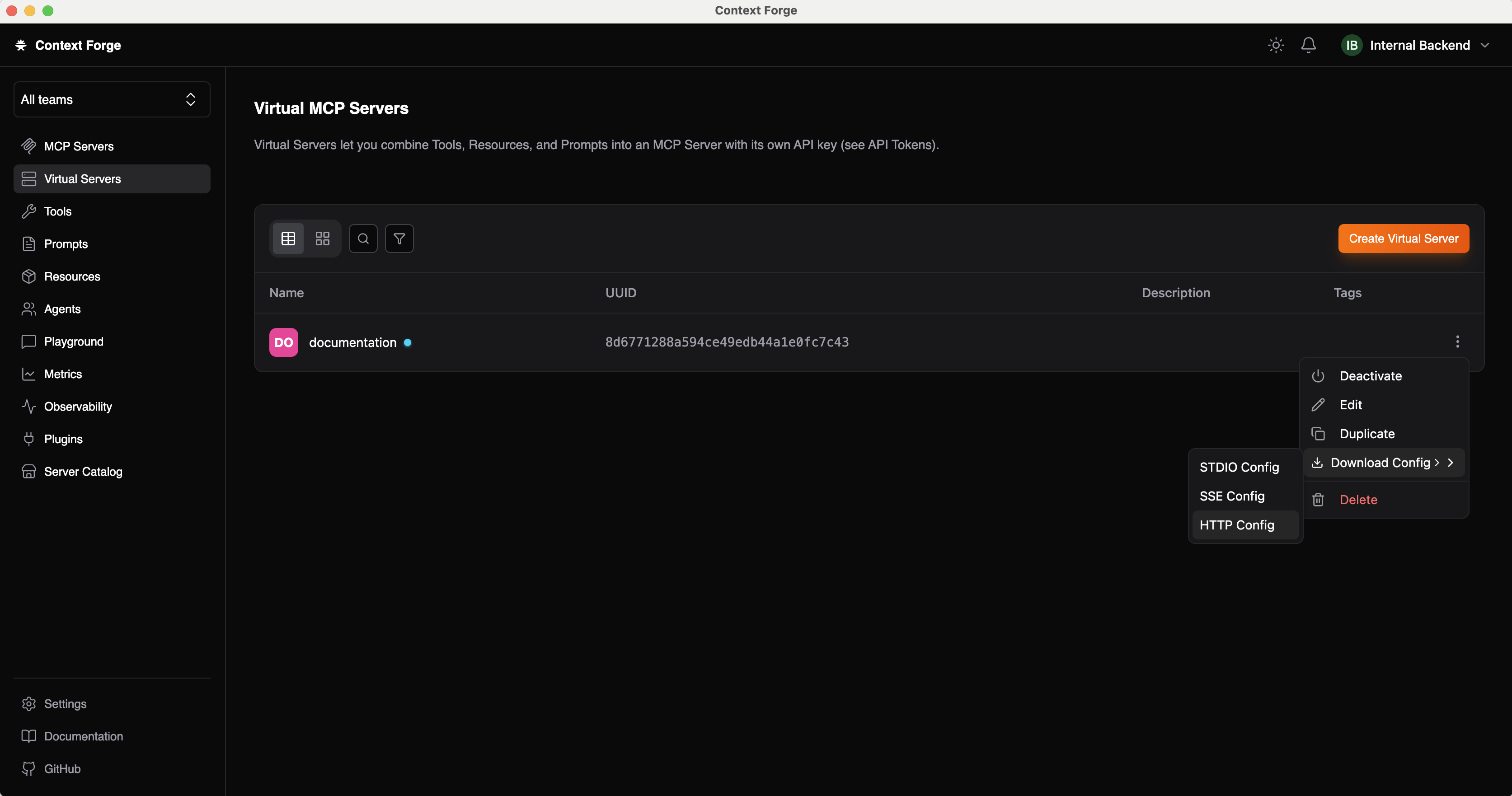
Virtual servers allow combining tools from different MCP servers and defining subsets of tools to support agents choosing the right tools - see the screenshot at the top of this post.
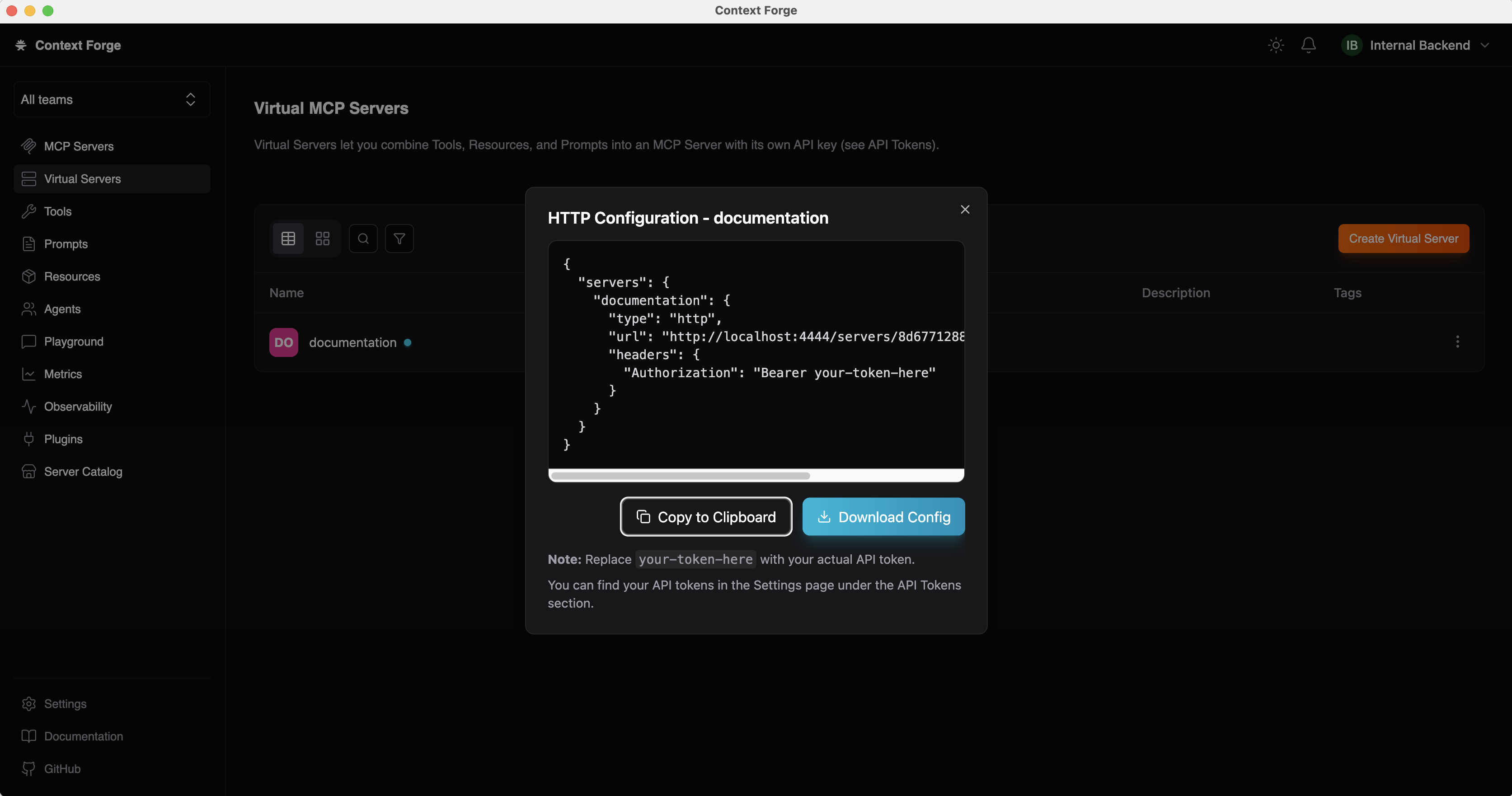
To access the virtual servers, their MCP configuration can be downloaded.
Access is managed via API keys with fine grained permissions.
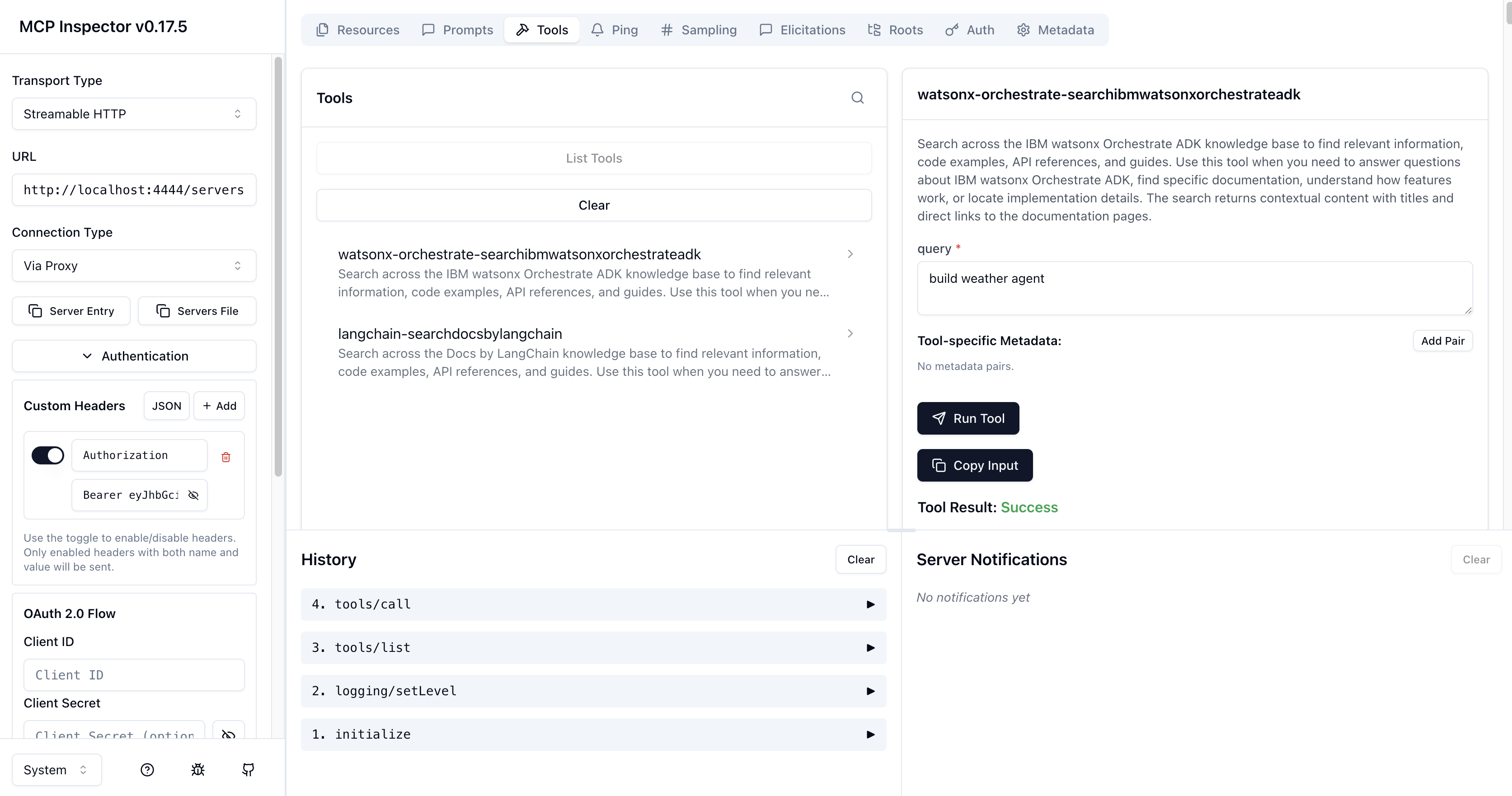
Virtual servers can be accessed like other MCP servers, for example in MCP Inspector.
Next Steps
Thank you to Rynne Whitnah for implementing the client and Gabe Goodhart for developing the CLI.
To find out more, check out the following resources: